Wiki
- Windows 11
- SOKVASS
- SOKVASS Huskeliste
- SOKVASS Album
- CS:GO Dedicated Server GunGame
- Age of Mythology
- Høiebanden Komputer Utlåns-Klubb
- CS Dedicated Server
- SOKVASS Album 2
Windows 11
Place of purchase
https://www.hrkgame.com/en/library/products/ (home license)
https://www.premiumcdkeys.com/ (pro license)
Installing Windows 11 without TPM and SecureBoot
Create Windows 11 USB normal way via ISO and Rufus
Shift + F10 -> Regedit
HKEY_LOCAL_MACHINE\SYSTEM\Setup -> Create Key "LabConfig"
Create DWORD-32 -> BypassTPMCheck -> Value: 1
Create DWORD-32 -> BypassSecureBootCheck -> Value: 1
Exit installation window and click Install Windows again.
URL: https://www.askvg.com/how-to-bypass-this-pc-cant-run-windows-11-error-and-disable-hardware-check-on-unsupported-devices/
Donkey Kong
Donkey kong: N64-Emu-Donkey-Kong-64.zip
Disable "Let's finish setting up your device"
Windows 10
Settings -> System ->
[Check] Off suggestions on how I can set up my device
[Check] Get tips and suggestions when I use Windows
Windows 11
Settings -> System -> Notifications -> Additional Settings
Enable "End Task" on Taskbar
Settings -> System -> For Developers -> "End Task" = ON
Disable Bing web search on Start-menu
This is to disable the start-menu from searching on Bing on everything you type. Will make searching for apps on your computer quicker.
cmd.exe /c reg add "HKEY_CURRENT_USER\Software\Policies\Microsoft\Windows\Explorer" /v "DisableSearchBoxSuggestions" /t REG_DWORD /d 1 /fTurn off password protected sharing
Source: https://windowsreport.com/turn-off-password-protected-sharing-windows-11/
Turn off Password protected sharing via Network & sharing center -> Advanced etc...
cmd.exe /c reg add "HKEY_LOCAL_MACHINE\SYSTEM\CurrentControlSet\Services\LanmanServer\Parameters" /v "restrictnullsessaccess" /t REG_DWORD /d 0 /fcmd.exe /c reg add "HKEY_LOCAL_MACHINE\SYSTEM\CurrentControlSet\Control\Lsa" /v "everyoneincludesanonymous" /t REG_DWORD /d 1 /fWindows File Sharing
To disable password protected sharing it sometimes helps to set the network to private. Settings -> Network & Internet -> Properties -> Private Network
Remove Legal Notice from AD Object
This will remove the legal notice warning that appears on AD objects, if you have put the computer in wrong OU, or it is still located in New Computers OU.
cmd.exe /c reg delete "HKEY_LOCAL_MACHINE\SOFTWARE\Microsoft\Windows\CurrentVersion\policies\system" /v legalnoticecaption /f
cmd.exe /c reg delete "HKEY_LOCAL_MACHINE\SOFTWARE\Microsoft\Windows\CurrentVersion\policies\system" /v legalnoticetext /fConsole Timeout
This is a regedit to enable Console timeout in the Power options. This is so that you can make sure the screens of your computer is still ON even though you are logged out of your computer.
cmd.exe /c reg add "HKEY_LOCAL_MACHINE\SYSTEM\CurrentControlSet\Control\Power\PowerSettings\7516b95f-f776-4464-8c53-06167f40cc99\8ec4b3a5-6868-48c2-be75-4f3044be88a7" /v "Attributes" /t REG_DWORD /d "2" /fDo not Require Password after sleep
This is so that you are not required to login after computer has gone to sleep.
cmd.exe /c powercfg /SETDCVALUEINDEX SCHEME_CURRENT SUB_NONE CONSOLELOCK 0
cmd.exe /c powercfg /SETACVALUEINDEX SCHEME_CURRENT SUB_NONE CONSOLELOCK 0Allow all in Firewall
This makes it so that you can have the firewall ON and get rid of stupid messages. But still have everything go through the firewall.
Run in Powershell:
New-NetFirewallRule -DisplayName "Allow all Inbound" -Direction Inbound -Action Allow -Profile Any
New-NetFirewallRule -DisplayName "Allow all Outbound" -Direction Outbound -Action Allow -Profile AnyAllow Ping in Firewall
New-NetFirewallRule -DisplayName "Allow Inbound ICMPv4 (ping)" -Direction Inbound -Protocol ICMPv4 -IcmpType 8 -Action Allow -Profile AnyAllow VNC in Firewall
New-NetFirewallRule -DisplayName "Allow VNC Inbound" -Direction Inbound -Protocol TCP -LocalPort 5900 -Action Allow -Profile AnyAllow RDP in Firewall
New-NetFirewallRule -DisplayName "Allow RDP Inbound" -Direction Inbound -Protocol TCP -LocalPort 3389 -Action Allow -Profile AnyAllow FTP in Firewall
New-NetFirewallRule -DisplayName "Allow FTP Inbound" -Direction Inbound -Protocol TCP -LocalPort 21 -Action Allow -Profile Any
Keymap for Mac Keyboard
Map Cmd key to Windows Key, this is for when in Windows and using Mac Keyboard
cmd.exe /c reg add "HKEY_LOCAL_MACHINE\SYSTEM\CurrentControlSet\Control\Keyboard Layout" /v "Scancode Map" /t REG_BINARY /d "0000000000000000070000002ee0650030e066005ce038e05be0380038005be038e05ce000000000" /fRemove Cmd to Windows key mapping
cmd.exe /c reg del "HKEY_LOCAL_MACHINE\SYSTEM\CurrentControlSet\Control\Keyboard Layout" /v "Scancode Map" /t REG_BINARY /d "0000000000000000070000002ee0650030e066005ce038e05be0380038005be038e05ce000000000" /fRemoving keyboard layouts all but Norwegian
Remove all keyboard layouts from registry except for Norwegian. This will help to make sure Windows does not add keyboard layout randomly.
# Export a backup of the registry before doing any changes
Write-Host "Backing up Registry before running"
cmd.exe /c reg export "HKEY_LOCAL_MACHINE\SYSTEM\CurrentControlSet\Control\Keyboard Layouts" C:\Registry-Keyboard-Layout-Backup.reg
# Get all the child keys of the Keyboard Layouts key
$KeyLayoutList = Get-ChildItem -Path "HKLM:\SYSTEM\CurrentControlSet\Control\Keyboard Layouts" | Select-Object -ExpandProperty PSChildName
# Removing the keys from list
Write-Host "Proceeding to remove all Keyboard Layouts from Registry, except for Norwegian."
Sleep 5
foreach($key in $KeyLayoutList){
if($key -like "*00000414*"){
# Do nothing
}else{
Remove-Item -Path "HKLM:\SYSTEM\CurrentControlSet\Control\Keyboard Layouts\$key" -Force
}
}
# Enter to exit
Read-Host -Prompt "Press Enter to Exit."
exitDisable Shift Sticky keys
cmd.exe /c reg add "HKEY_CURRENT_USER\Control Panel\Accessibility\StickyKeys" /v Flags /t REG_SZ /d 506 /fFix incorrect Time in Windows
Kjør kommandoen under, reboot, sett Timezone manuelt til UTC også endre klokken til korrekt tid.
cmd.exe /c reg add "HKEY_LOCAL_MACHINE\SYSTEM\CurrentControlSet\Control\TimeZoneInformation" /v RealTimeIsUniversal /t REG_DWORD /d 1 /fHow to disable Password at logon
cmd.exe /c reg add "HKEY_LOCAL_MACHINE\SOFTWARE\Microsoft\Windows NT\CurrentVersion\PasswordLess\Device" /v DevicePasswordLessBuildVersion /t REG_DWORD /d 0Remove Windows 10 apps
Get-AppxPackage | Select-Object PackageFullName
$list = Get-Content -Path C:\list.txt
foreach($item in $list){ Remove-AppxPackage -Package "$item" }Disable Notifications
cmd.exe /c reg add "HKEY_CURRENT_USER\SOFTWARE\Policies\Microsoft\Windows\Explorer" /v DisableNotificationCenter /t REG_DWORD /d 1Disable Windows Defender
- gpedit.msc -> Computer Configuration > Administrative Templates > Windows Components > Microsoft Defender Antivirus -> Turn off Microsoft Defender Antivirus (Enable).
- URL: https://www.windowscentral.com/how-permanently-disable-windows-defender-windows-10#disable-microsoft-defender-with-group-policy
- https://www.geekrar.com/permanently-disable-windows-defender/
Disable Windows Update
Computer Configuration > Administrative Templates > Windows Components > Windows Update -> Configure Windows Update -> Disabled
Useful Disable utilites for Windows
SOKVASS
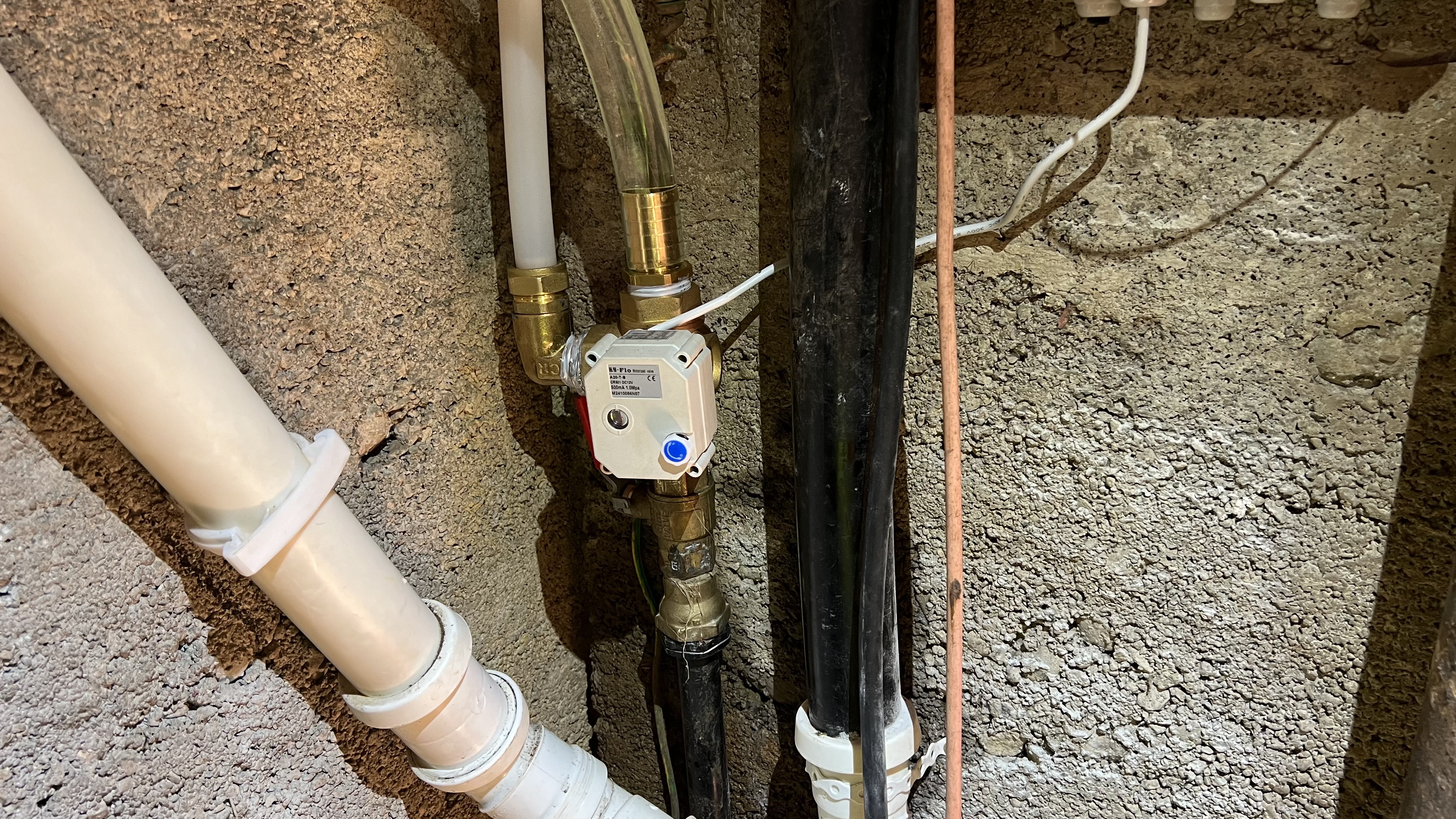
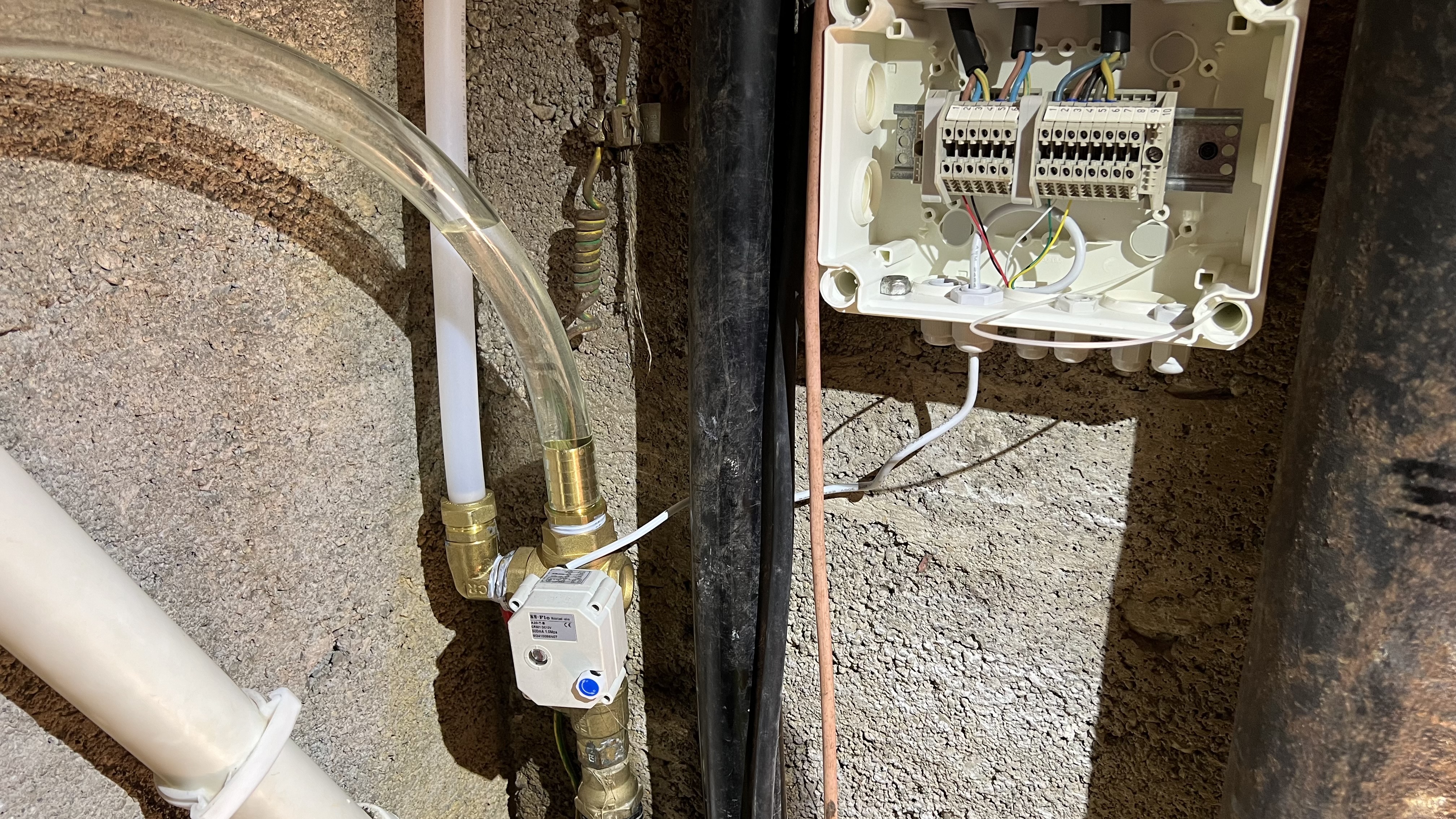
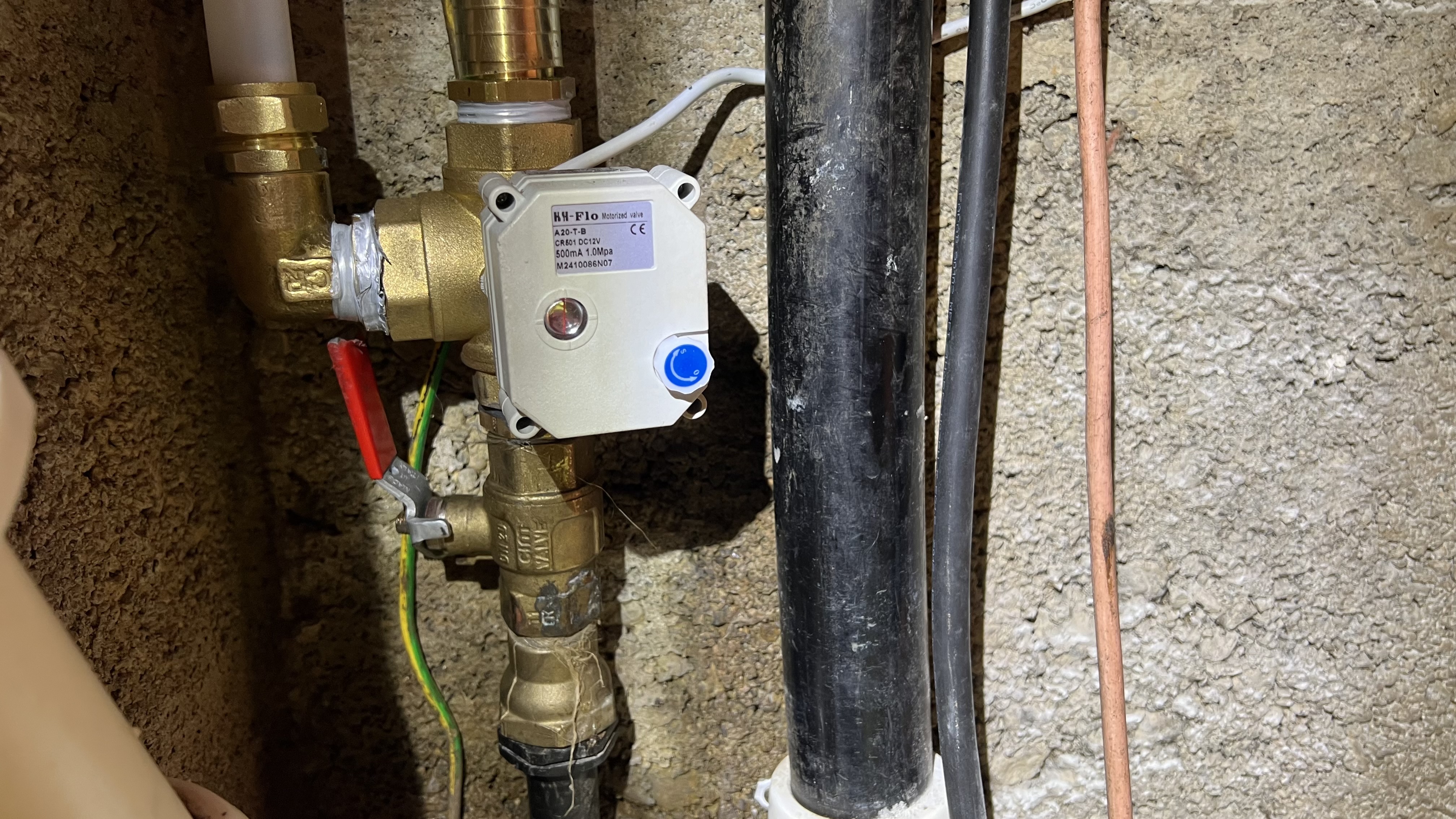
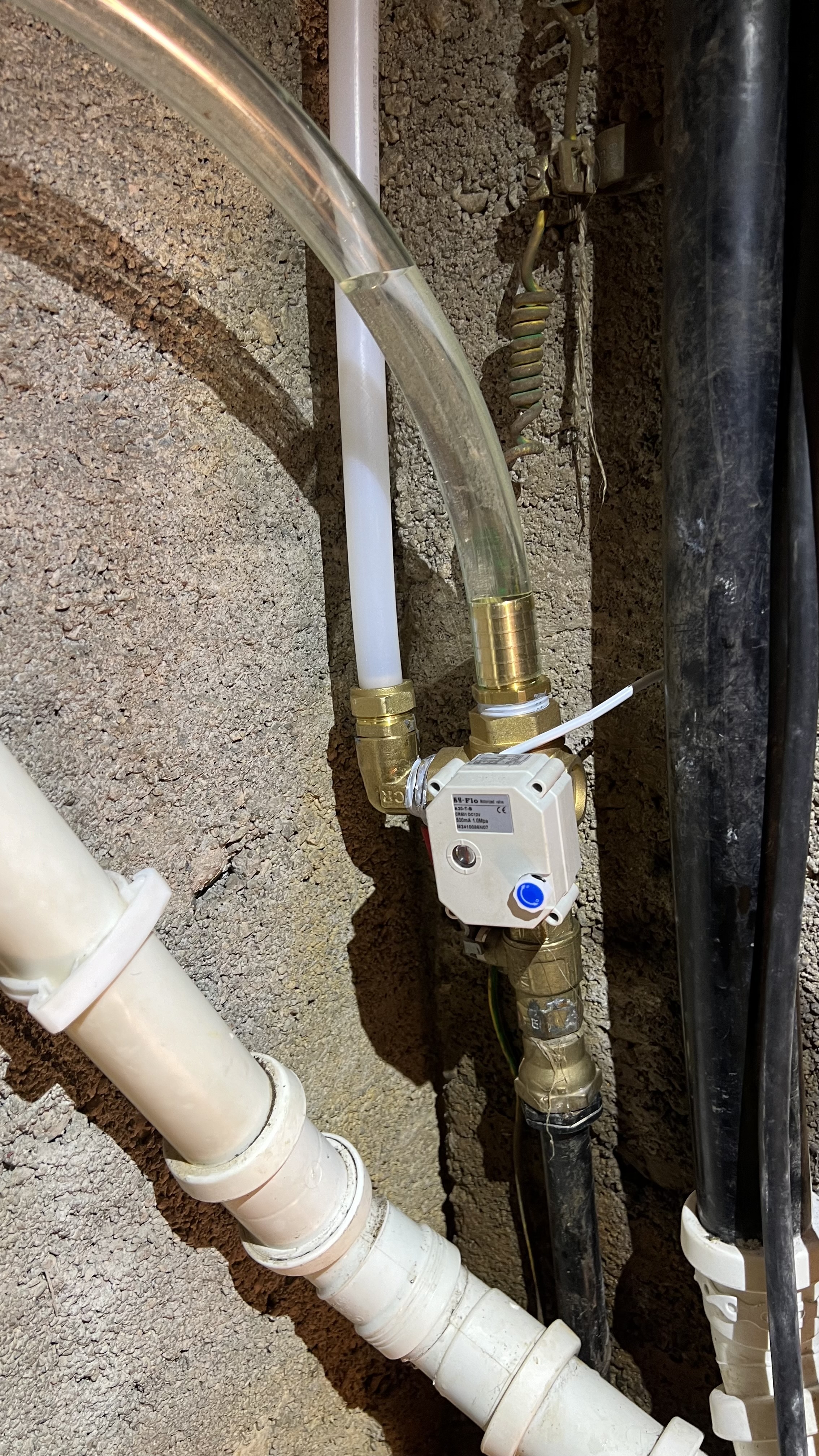
SOKVASS - Sauda OverKomplisert VannAvstengingsSystem.
Dette systemet har som mål å stenge vannet på hytta i Sauda på en trygg og enkel måte. Ved å enkelt trykke på grønn eller rød knapp vil vannet gå av eller på. Systemet er også koblet opp mot Homeassistant som gjør at man kan også styre det via mobil app. Batteri er installert i systemet slik at vannet stenges automatisk hvis strømmen går i huset.
Huskeliste
Schematics and Diagrams
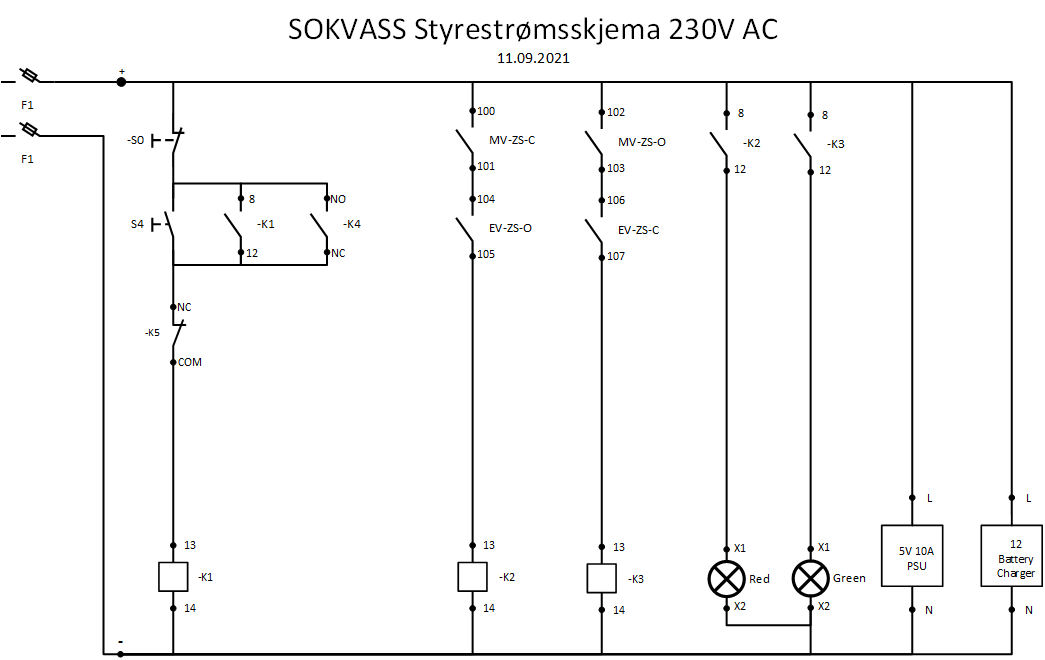
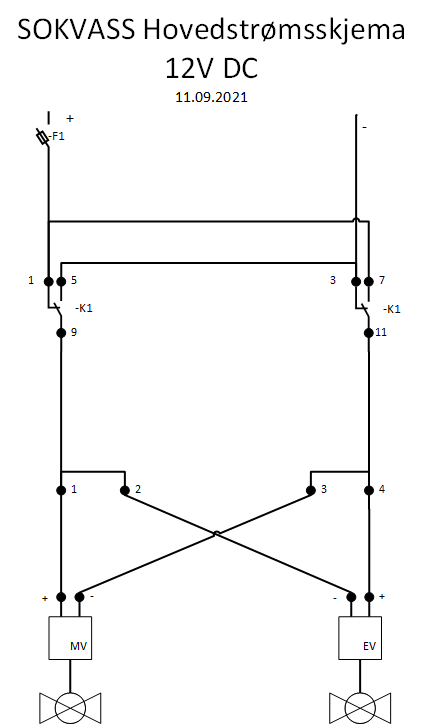
Hardware components
Limit switches
https://www.aliexpress.com/item/32857712732.html?spm=a2g0o.productlist.0.0.1a761be69PKqxy
https://www.cef.co.uk/catalogue/products/4504955-230v-red-led-indicator-lamp
Dimensions of piping
Hovedinntak rør: 21mm
Kuleventil (rødt håndtak): 26mm
Home assistant Raspberry PI Setup
This section describes the Homeassistant setup that is running on the Raspberry PI 4.
4G Connection setup
Sixfab 3G/4G LTE Raspberry PI Shield
Connected via USB cable. Connected with External Antenna for maximum coverage.
Scripts
reboot_if_ping_fails.sh
reconnect.sh
Home assistant
Home assistant running in virtual environment.
configuration.yaml
groups.yaml
script.yaml
DuckDNS
Running with crontab. CNAME sauda.bartley.no created.
NGINX
Reverse proxy running to facilitate SSL on Homeassistant
default.conf
Dimensions
Svart inntaksrøyr som kommer fra bakken har ytre diameter på 26 mm.
Rød kuleventil gods hvor aktuator monteres: Ø31mm
Kobberør ut fra rød kuleventil/hovedventil ytre diameter 21mm.
SOKVASS Huskeliste
- [Done] Tec7 - lime på plass batterilader - Det er allerede pistol / gun i Sauda
- fikse "low voltage detected" on Rpi, justere på PSU-en?
- Få lagt strøm til skapet
- nye endebrytere
- Shine opp endebryte braketter
- Sette i 2 stk. rekkeklemmer i box2 nede i hålet
- Gummi foring til å ha på aktuator brakket (rødt håndtak/kuleventil)
- til eksos rør del, trenger vi noen 90 grader vinkler for å få røret litt finere nedover
- led lamper 24 volt til dør skap
- Montere 22m flex T stykke til vannrør som går til utekran
- Montera fast strøm til skapet
- feste rør til veggen. Klamp og betong borr og ekspansjonsbolt
- når me ska montera kran ute så bytte me til Pex, då trenge me: PEX T stykke, PEX vinkel og PEX til 1/2" hunn overgang/union
- Ha storstilt ryddejobb. Mere rekkekleer, med fargekoder og lasker til rekkeklemmene. fargekoding på kabler. Tall merking til rekkeklemmer
- Lagt inn 230v bryter til varmeovnen nede i hullet
- lagt inn homeassistant styring som skrur på ovn automatisk hvis det blir veldig kaldt! I følge tempetatur måler
- Fikse jording til kobberrør, fordi vi tok den vekk når vi la til pex rør
SOKVASS Album
Bilder tatt av SOKVASS 12.09.2021
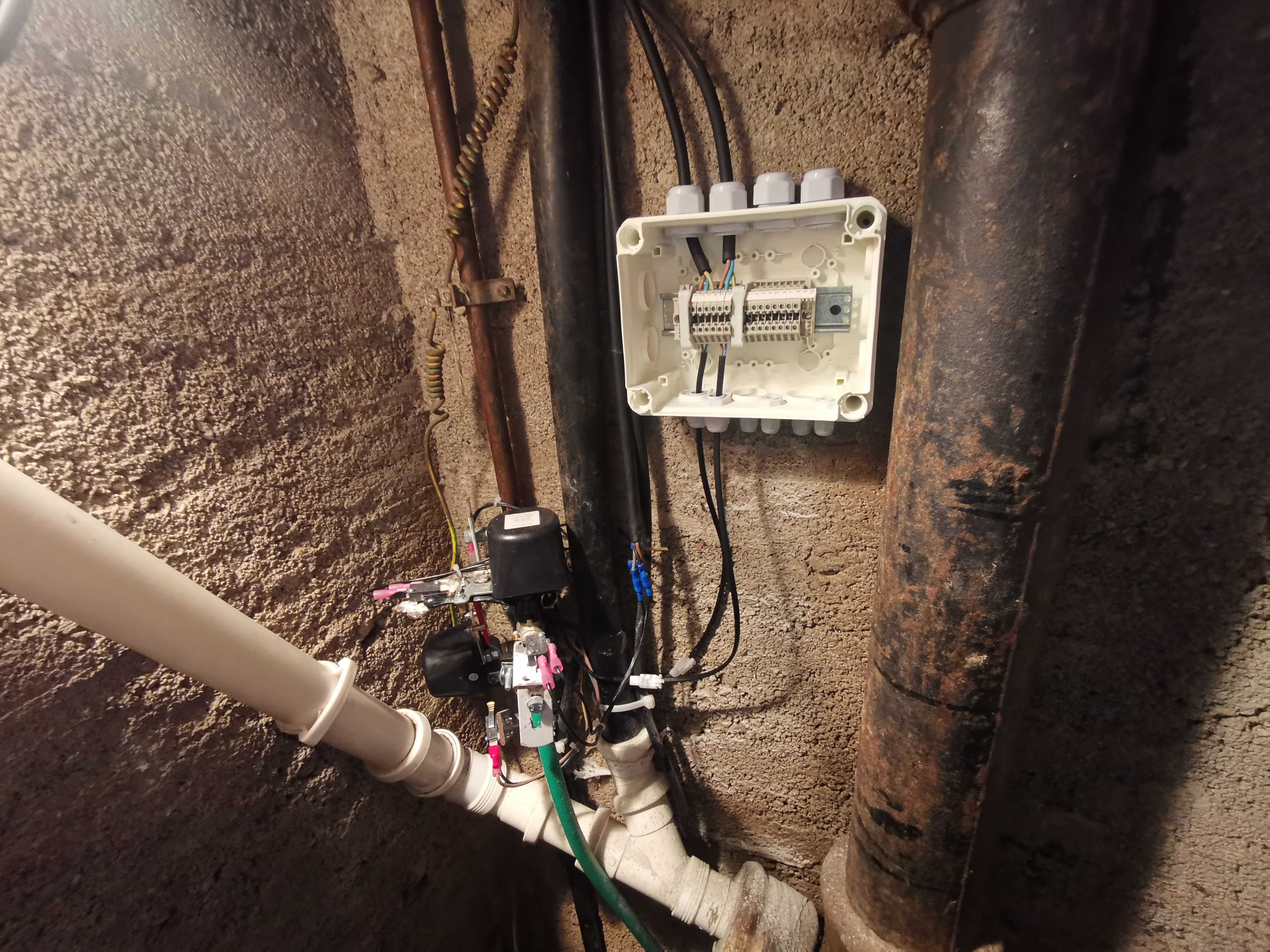
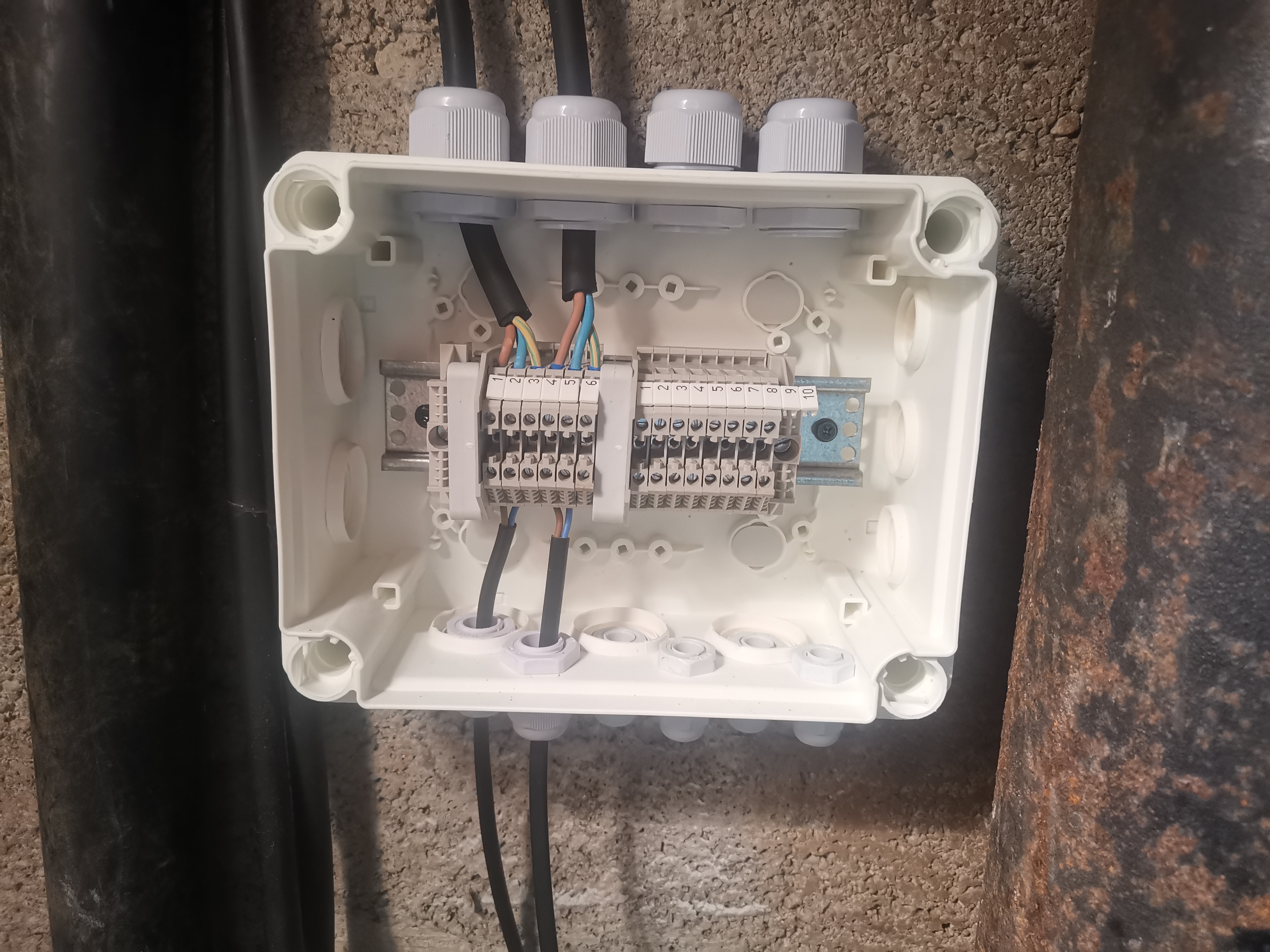
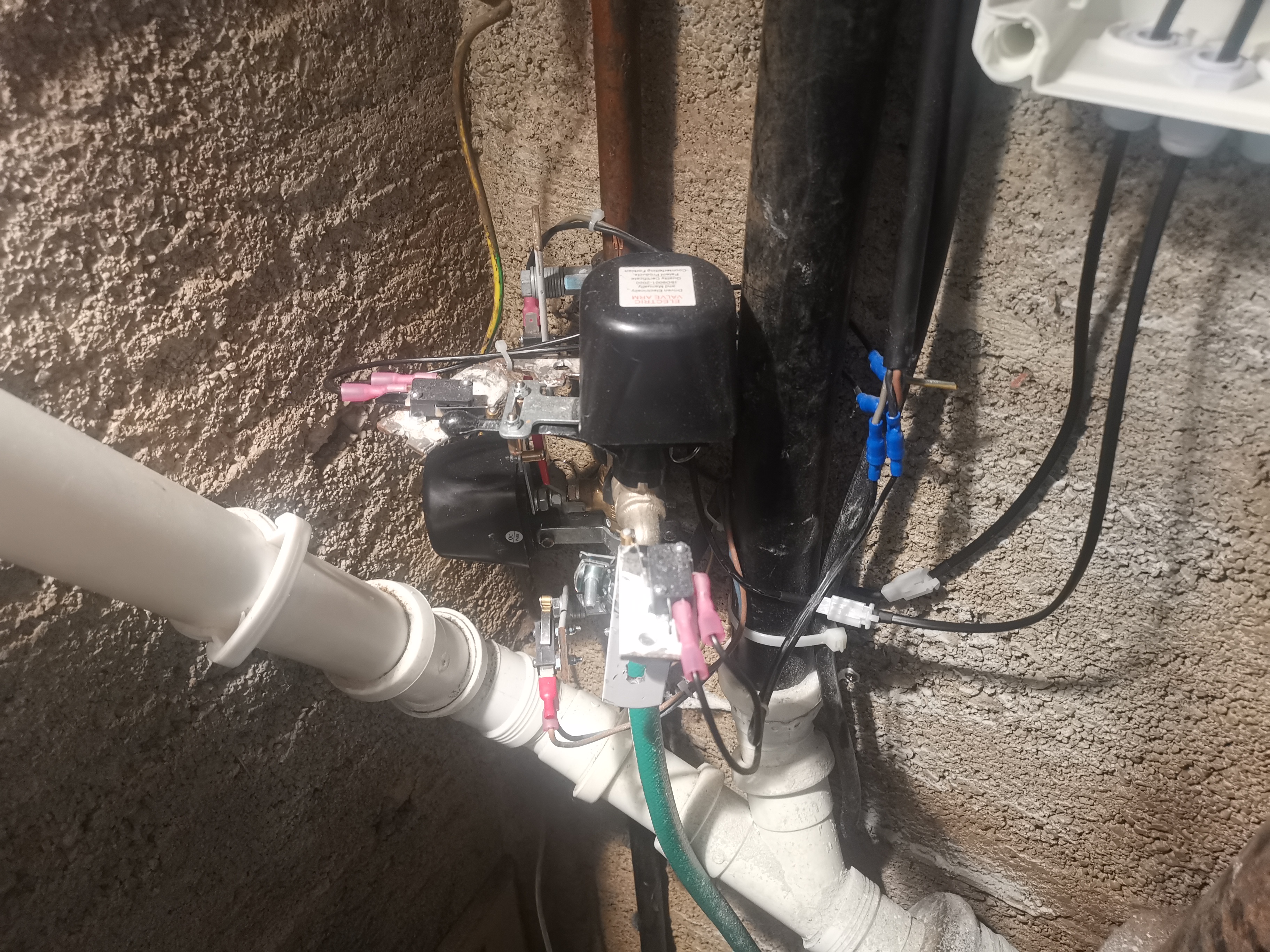
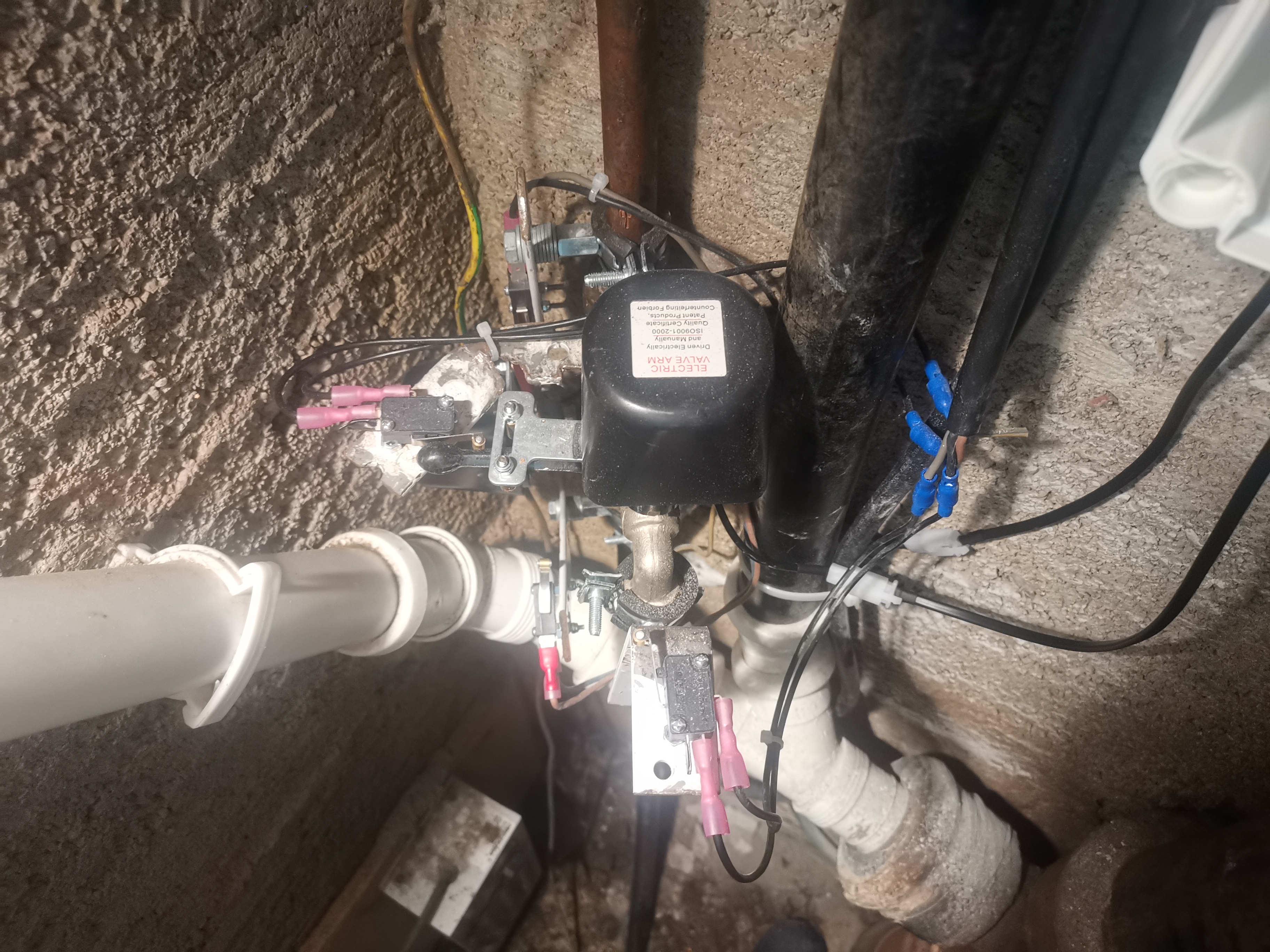
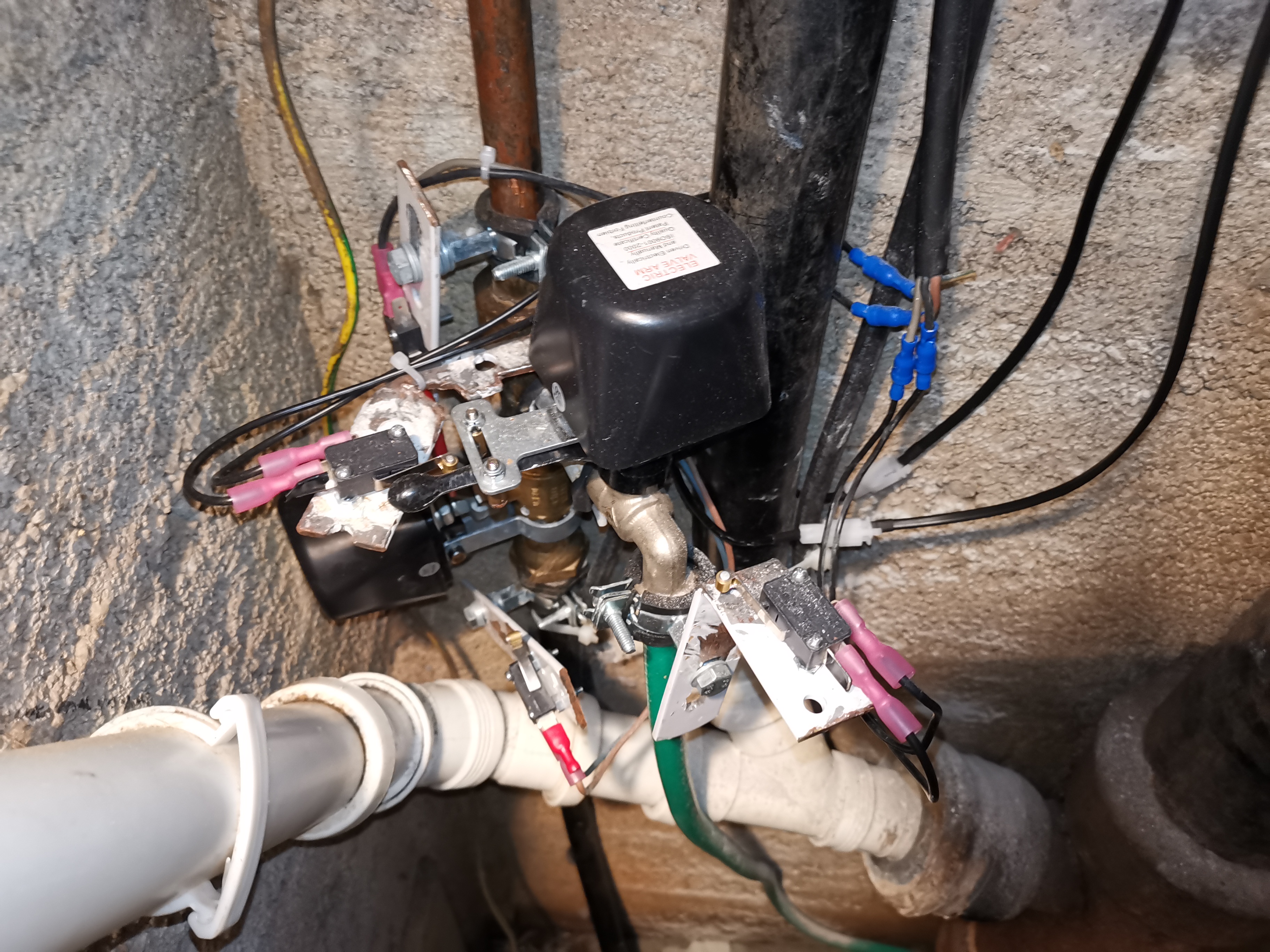
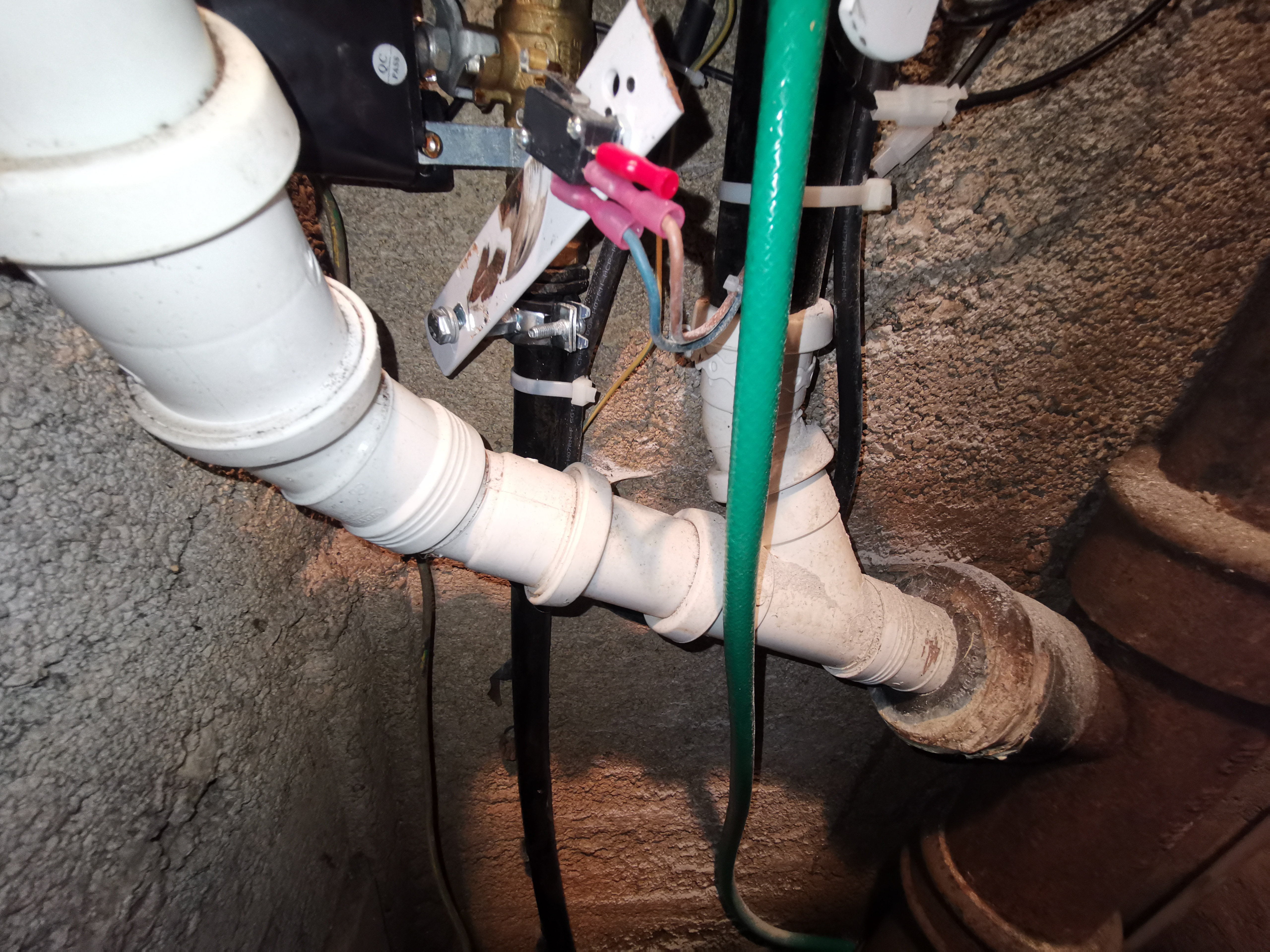
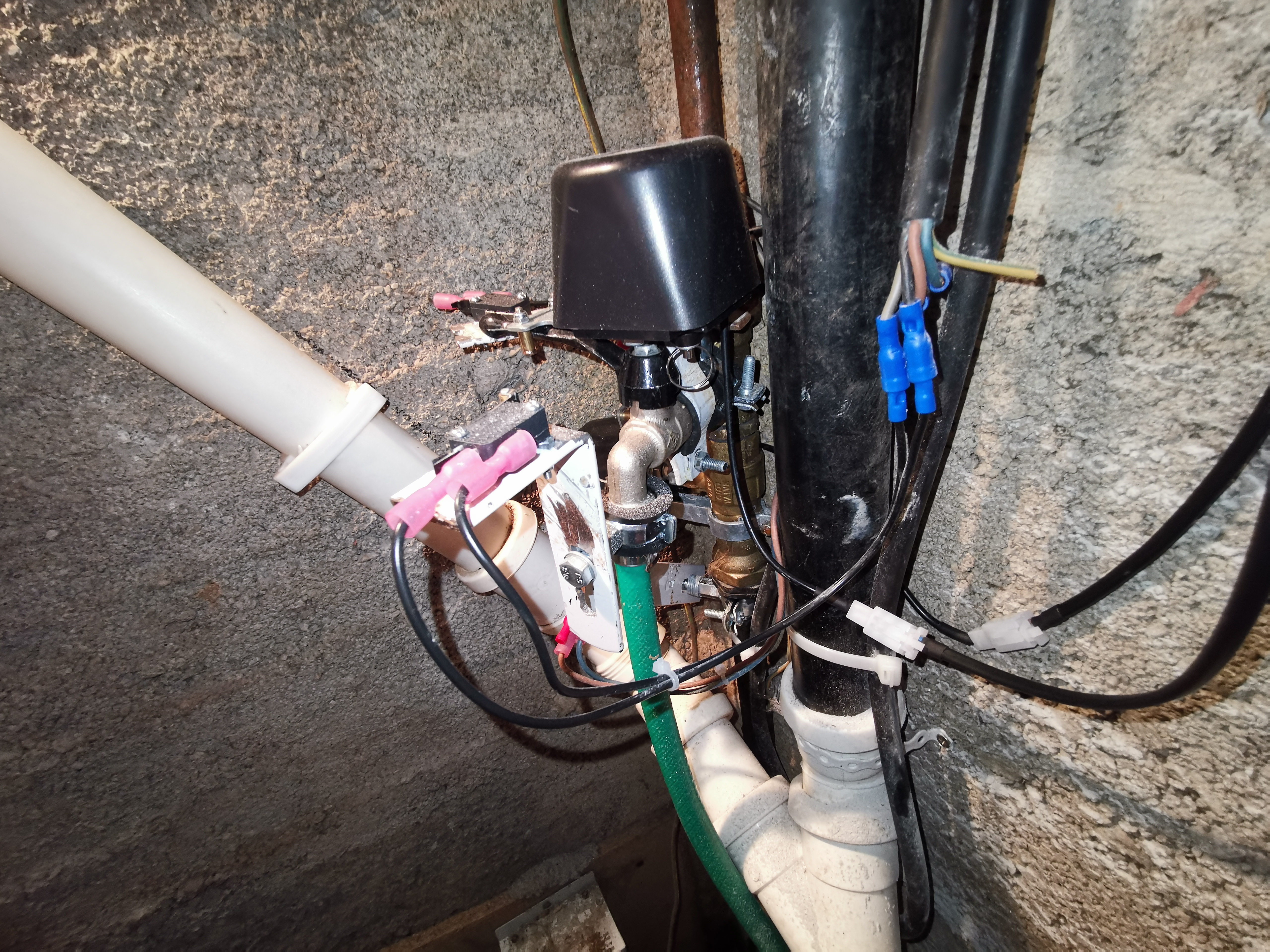
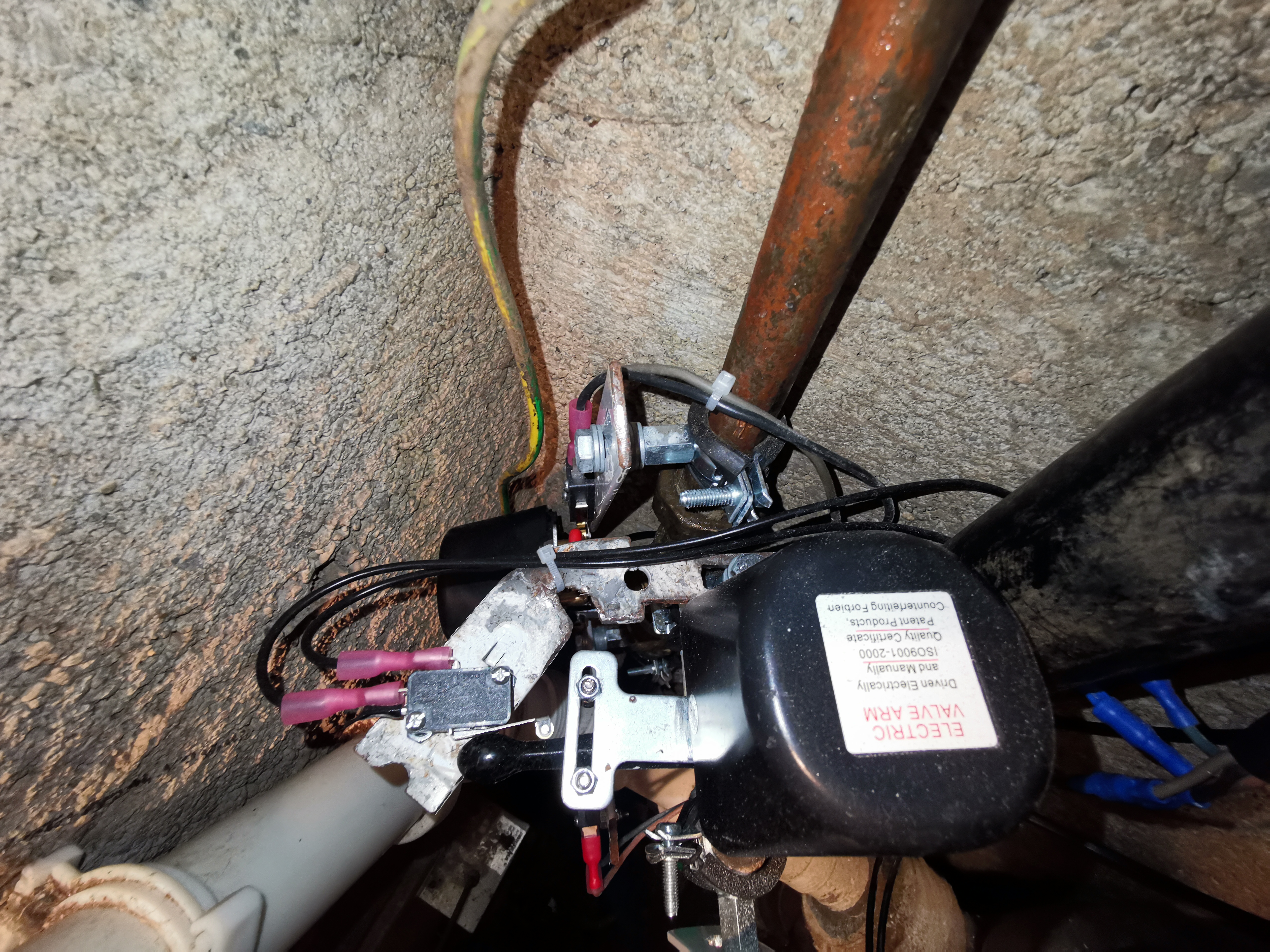
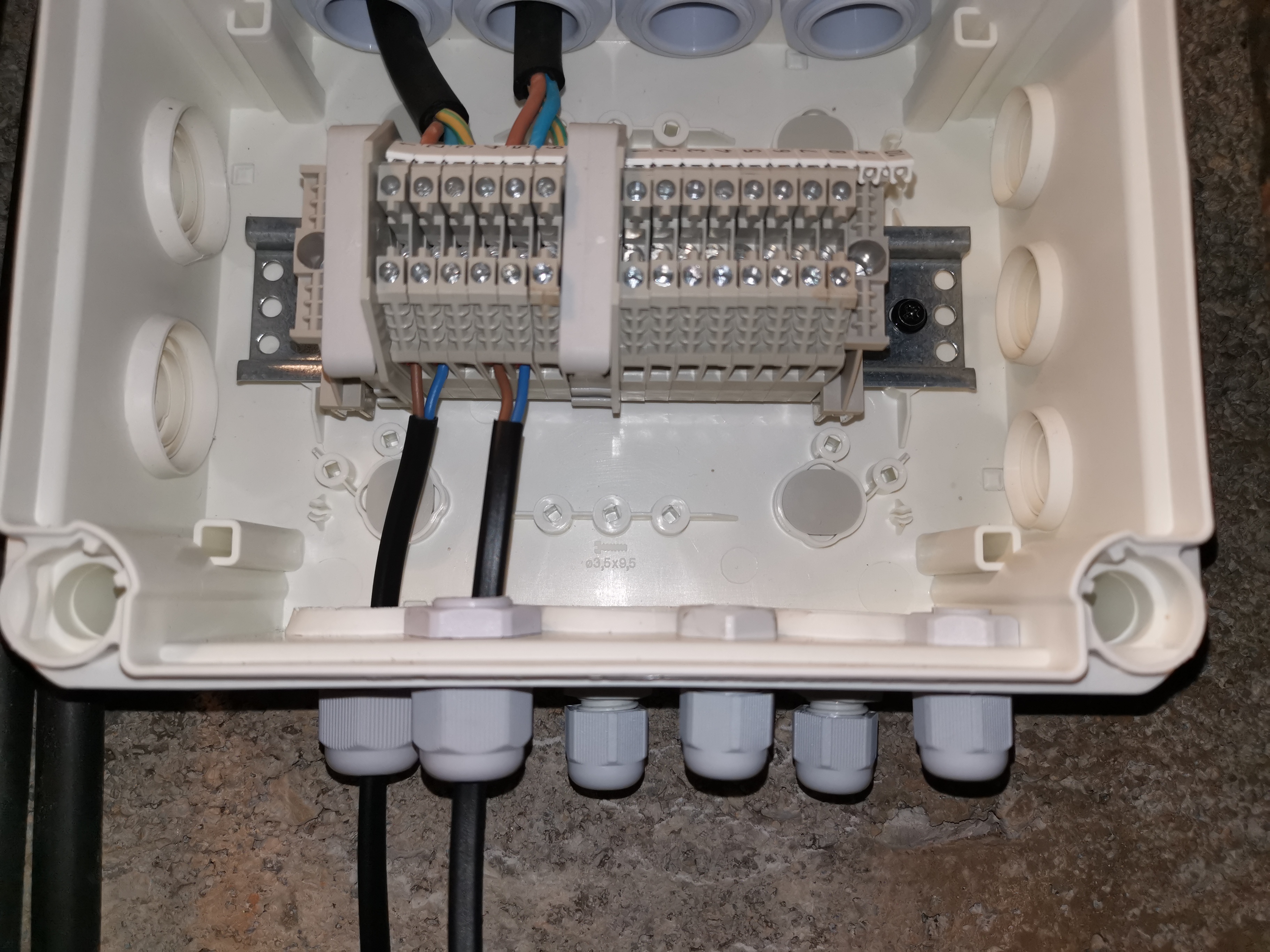
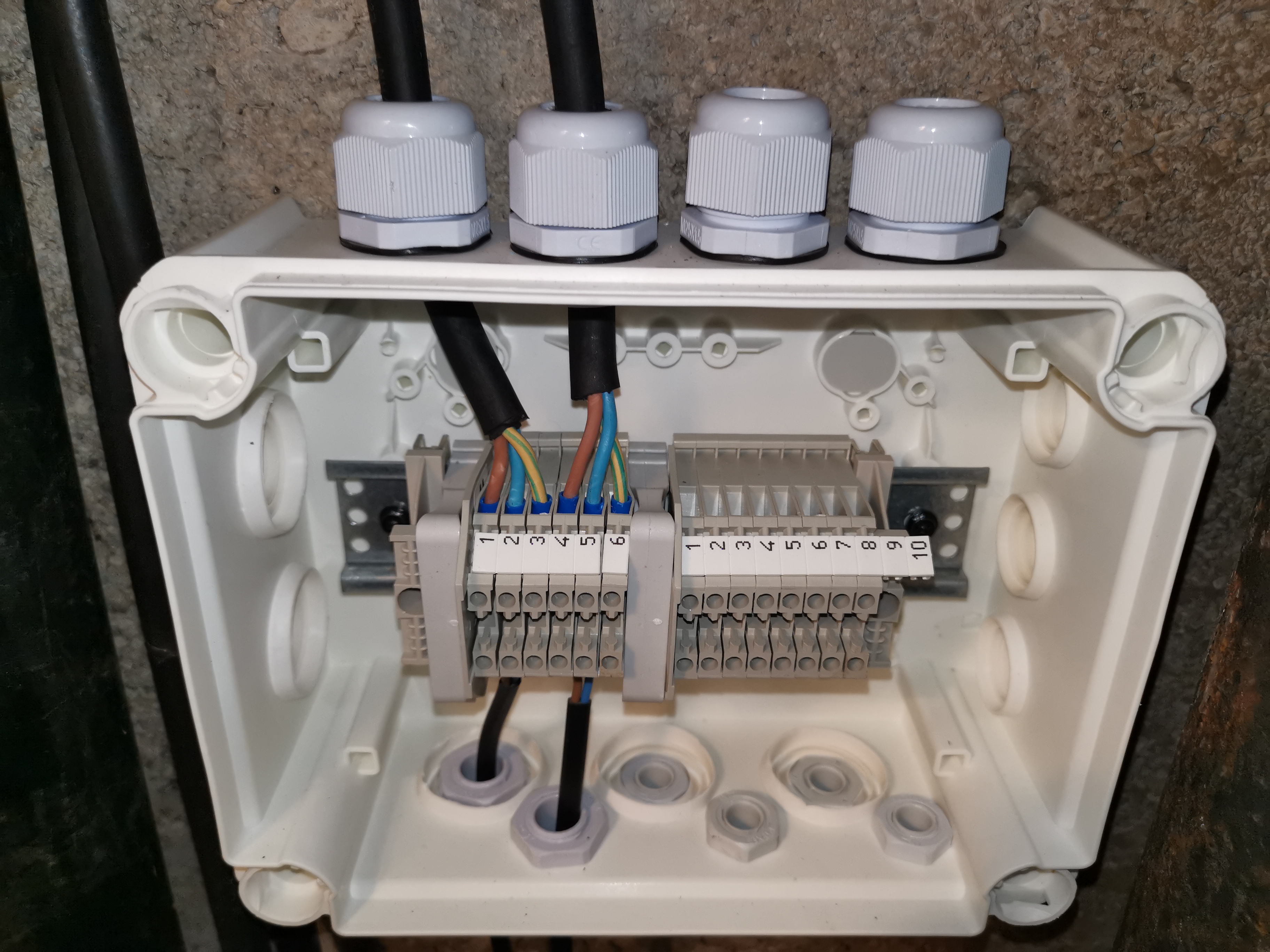
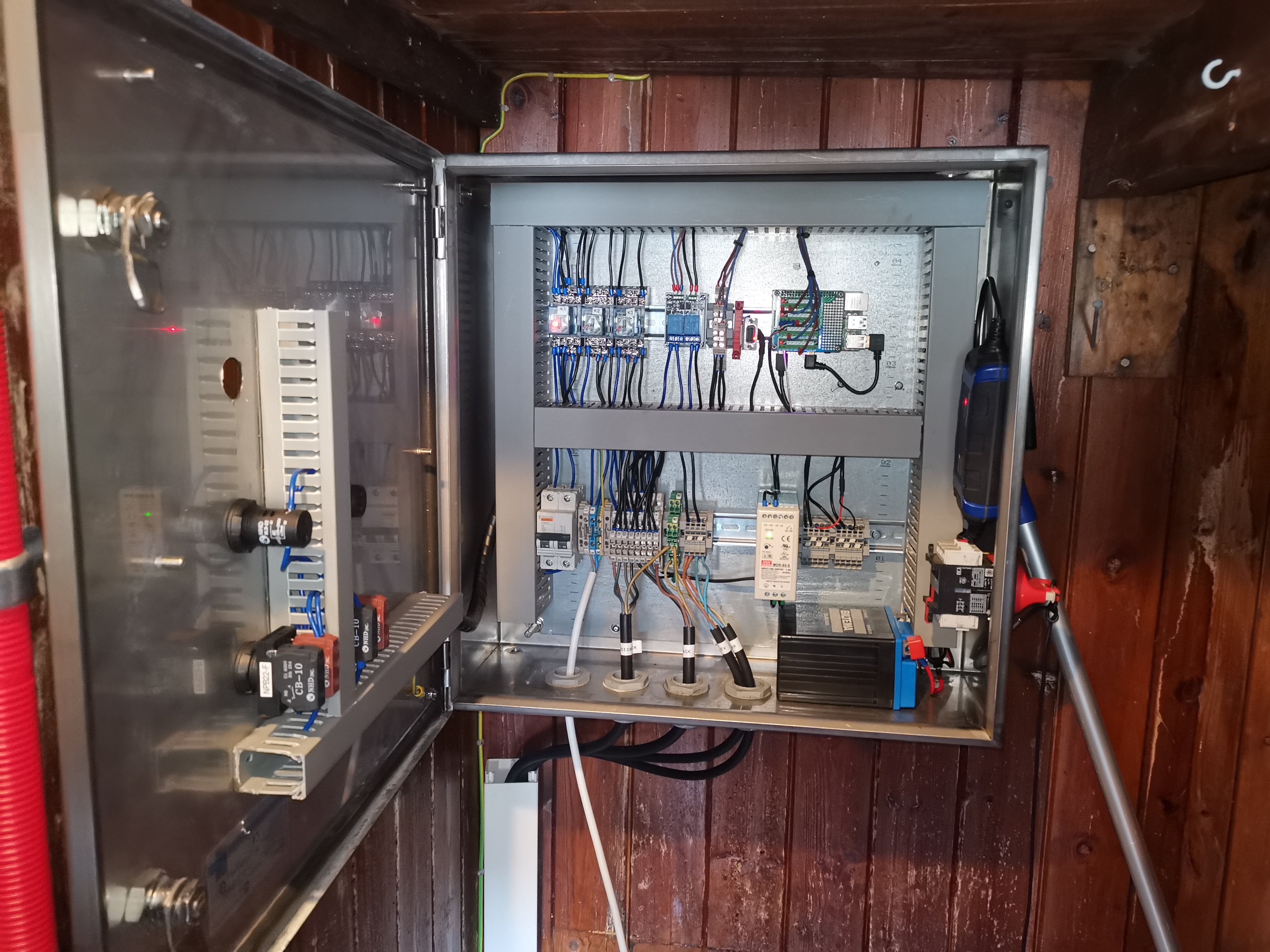
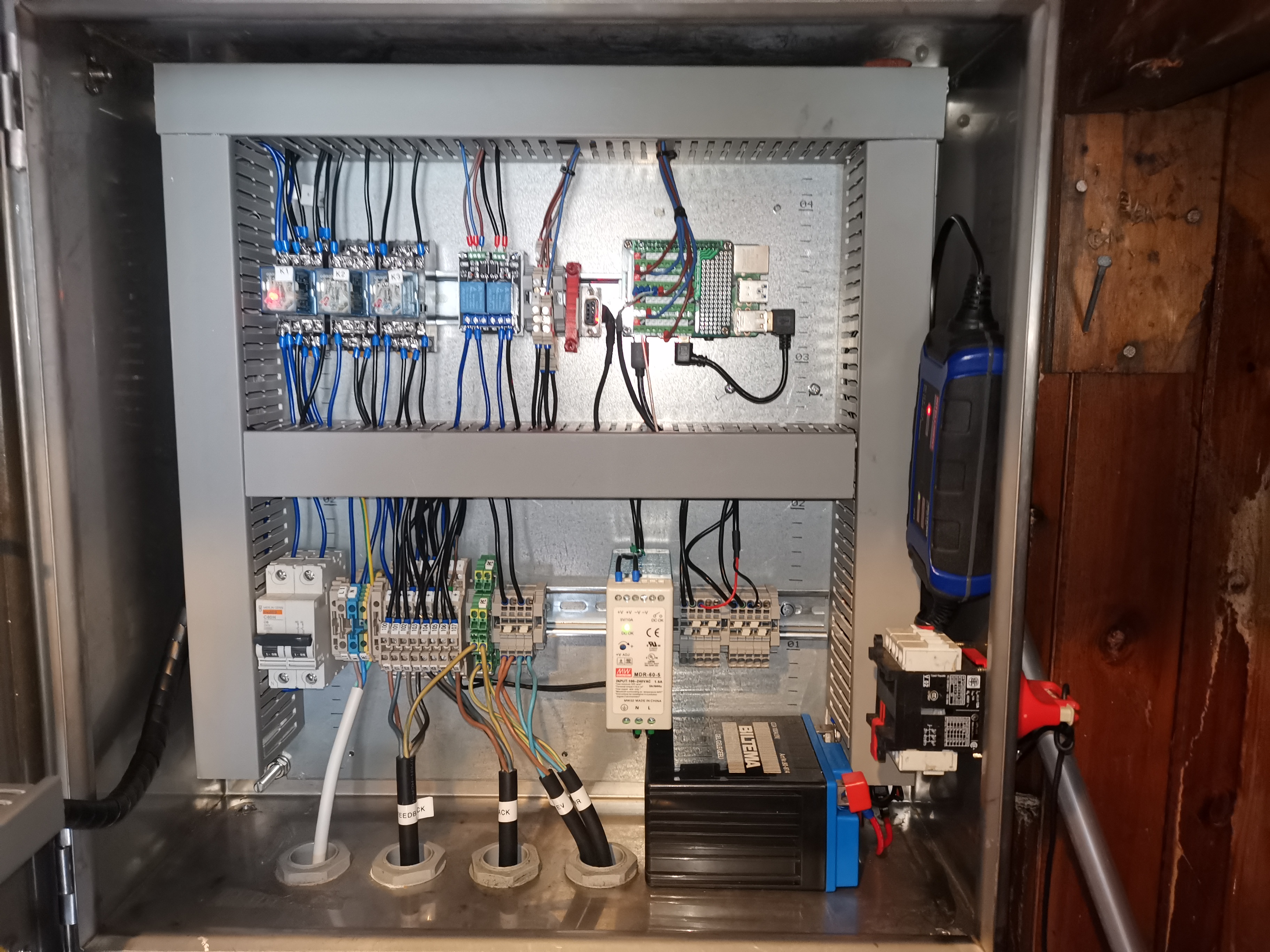
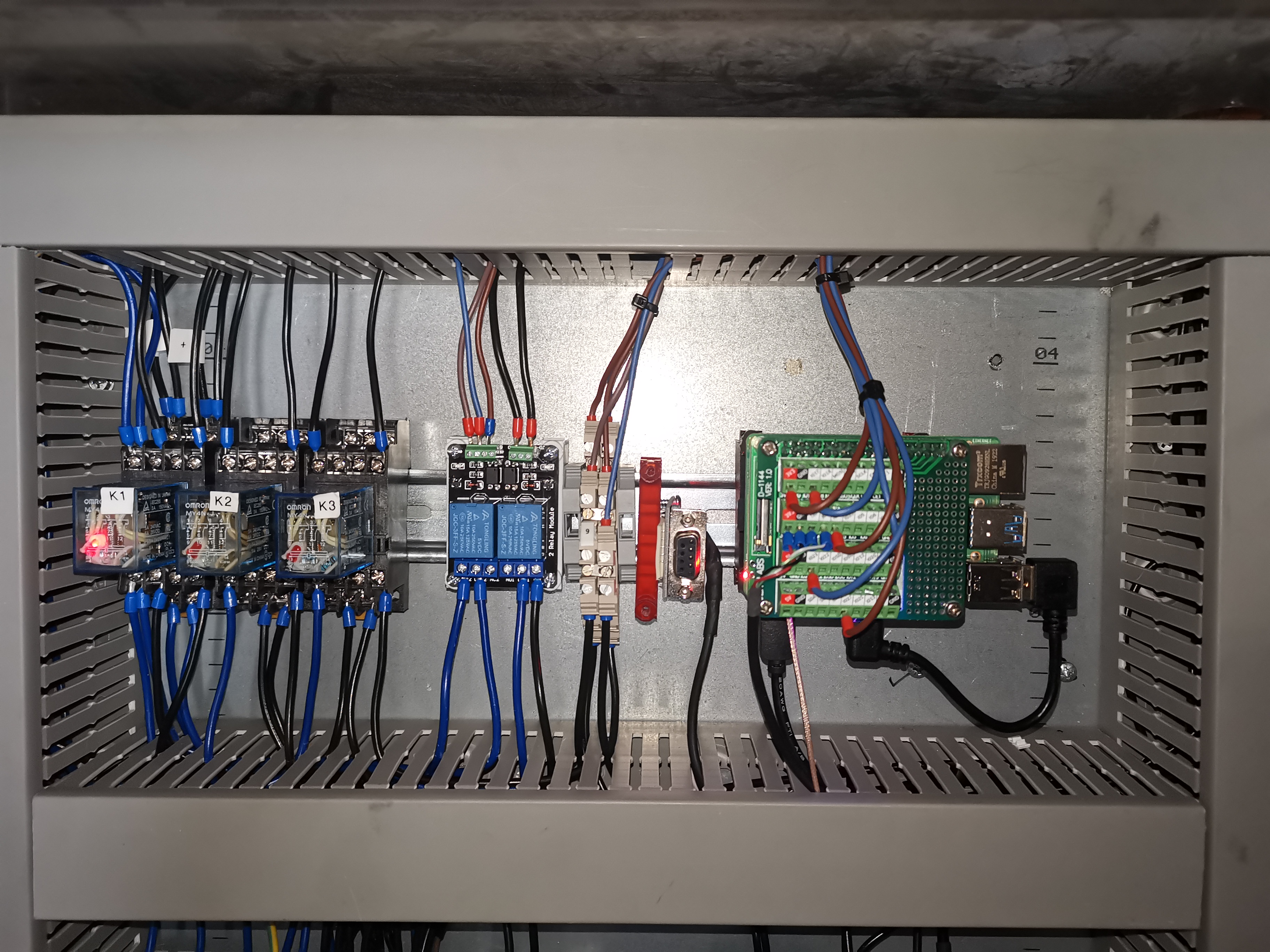
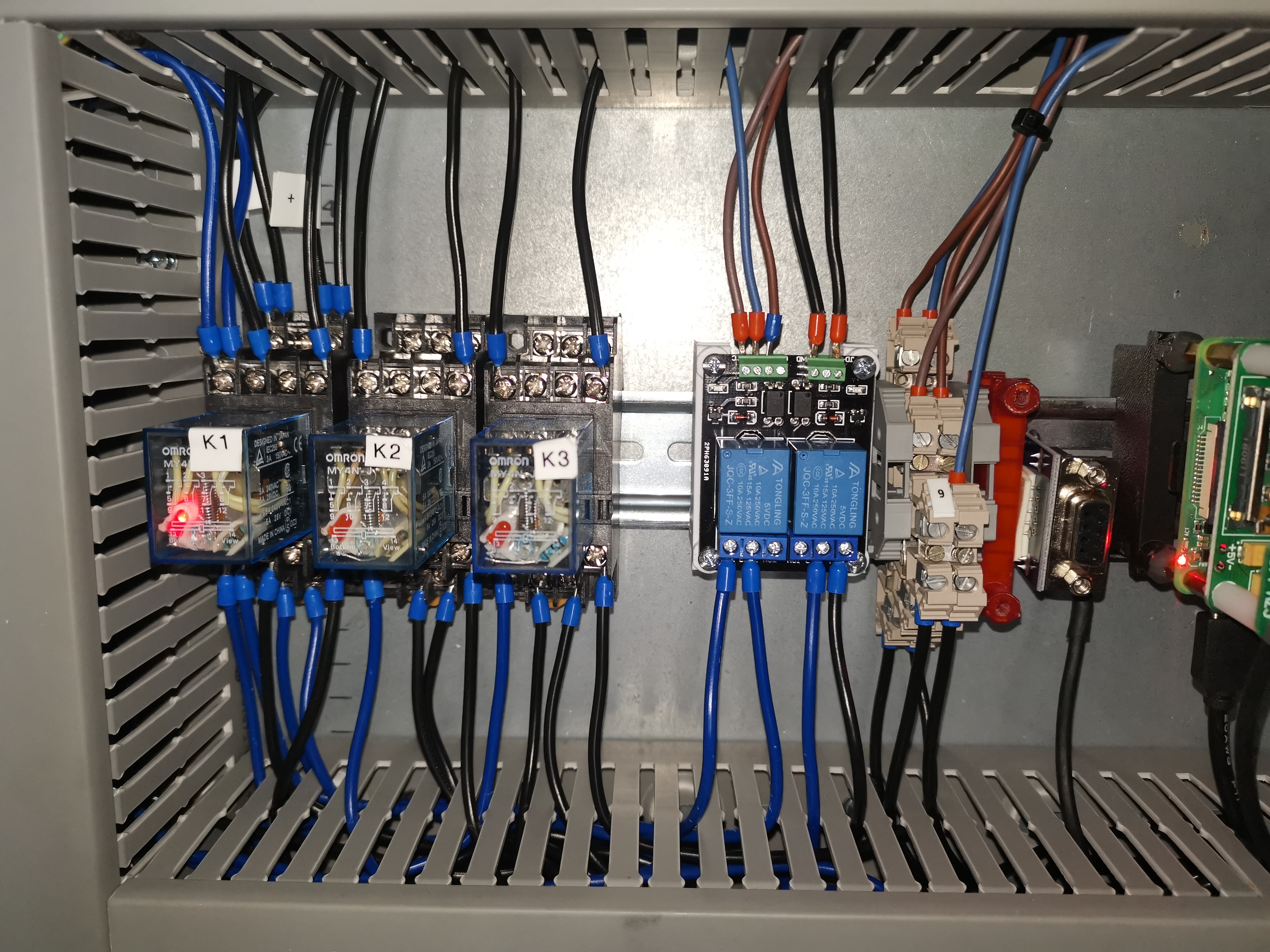
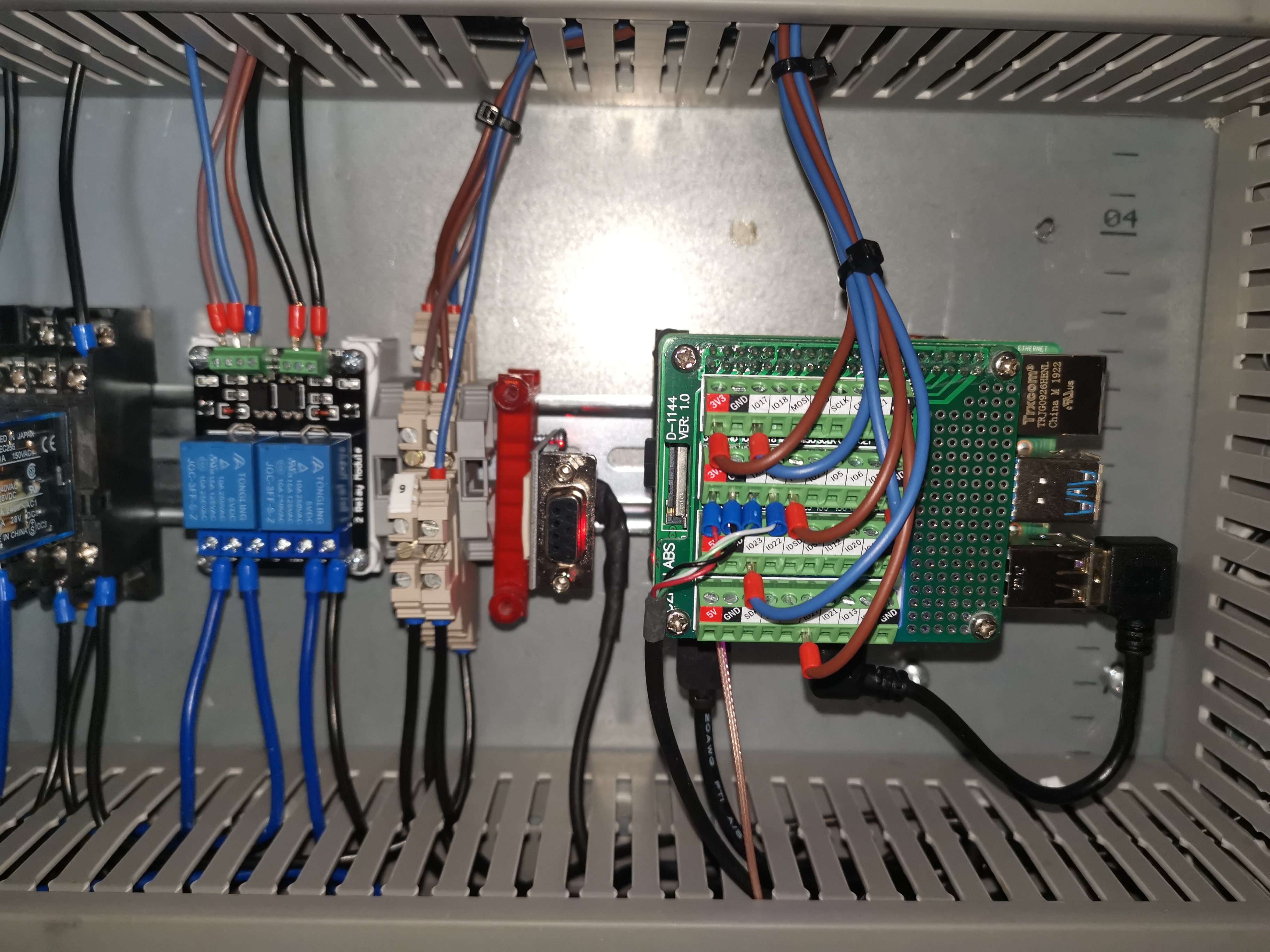
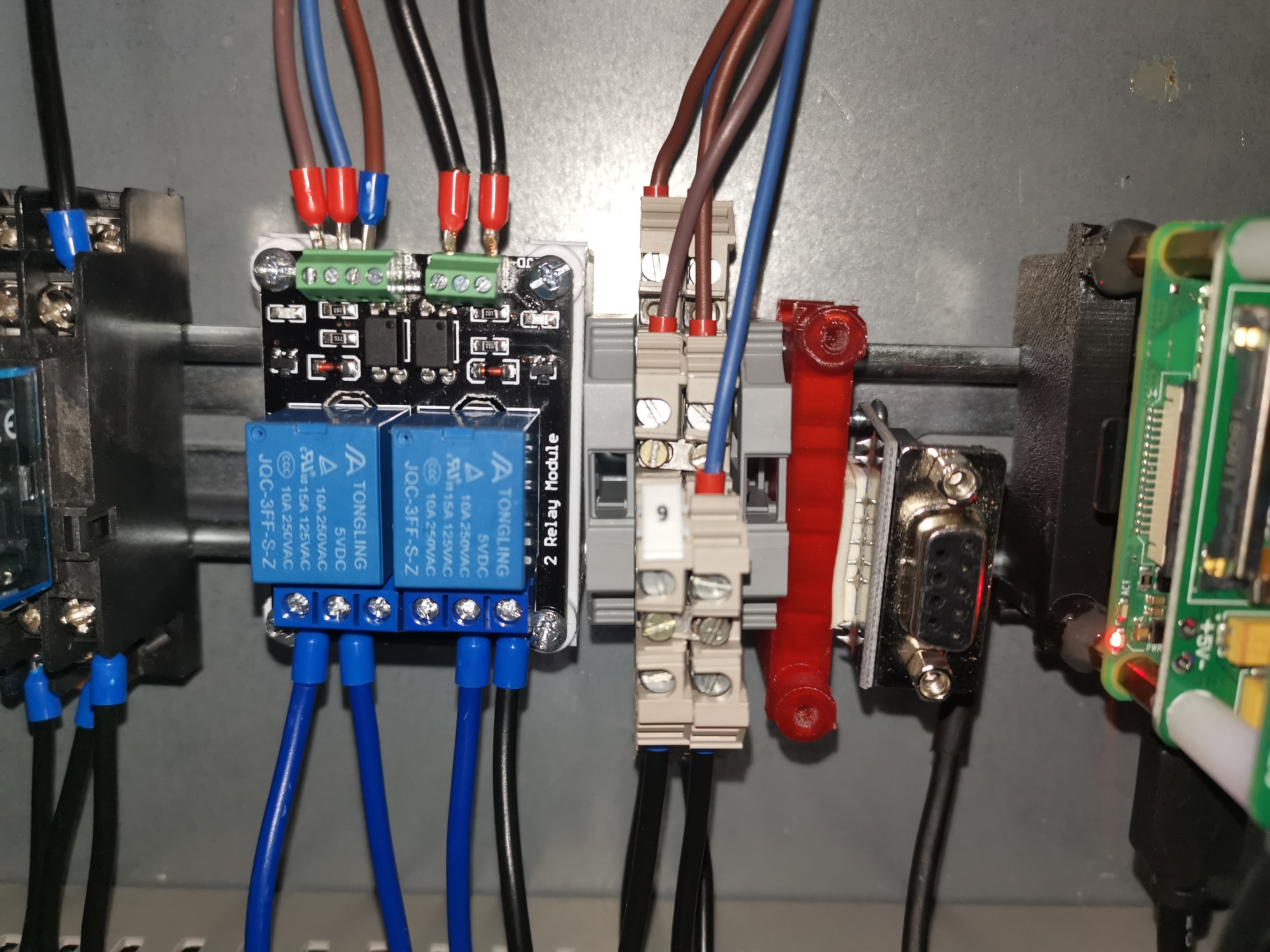
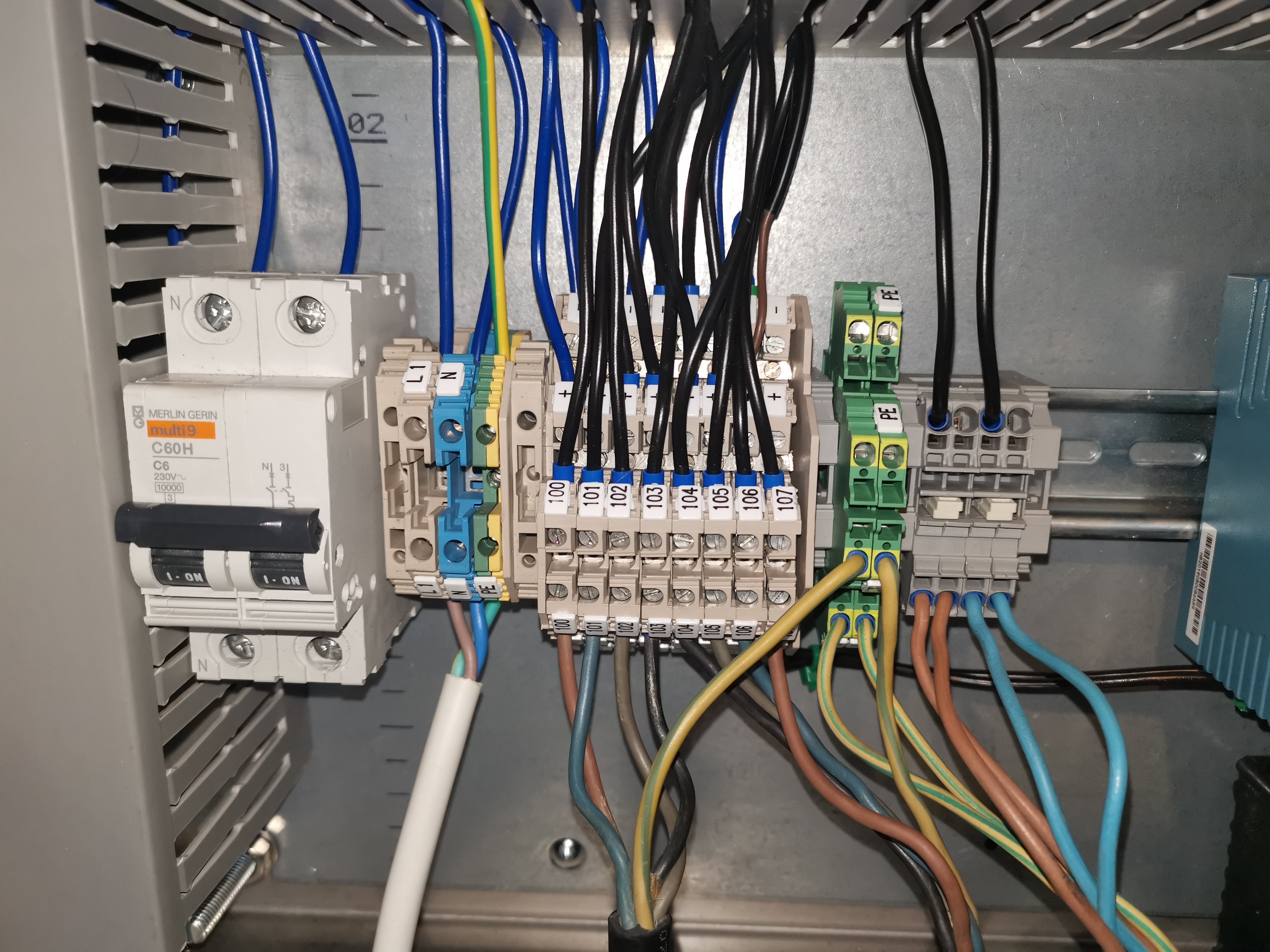
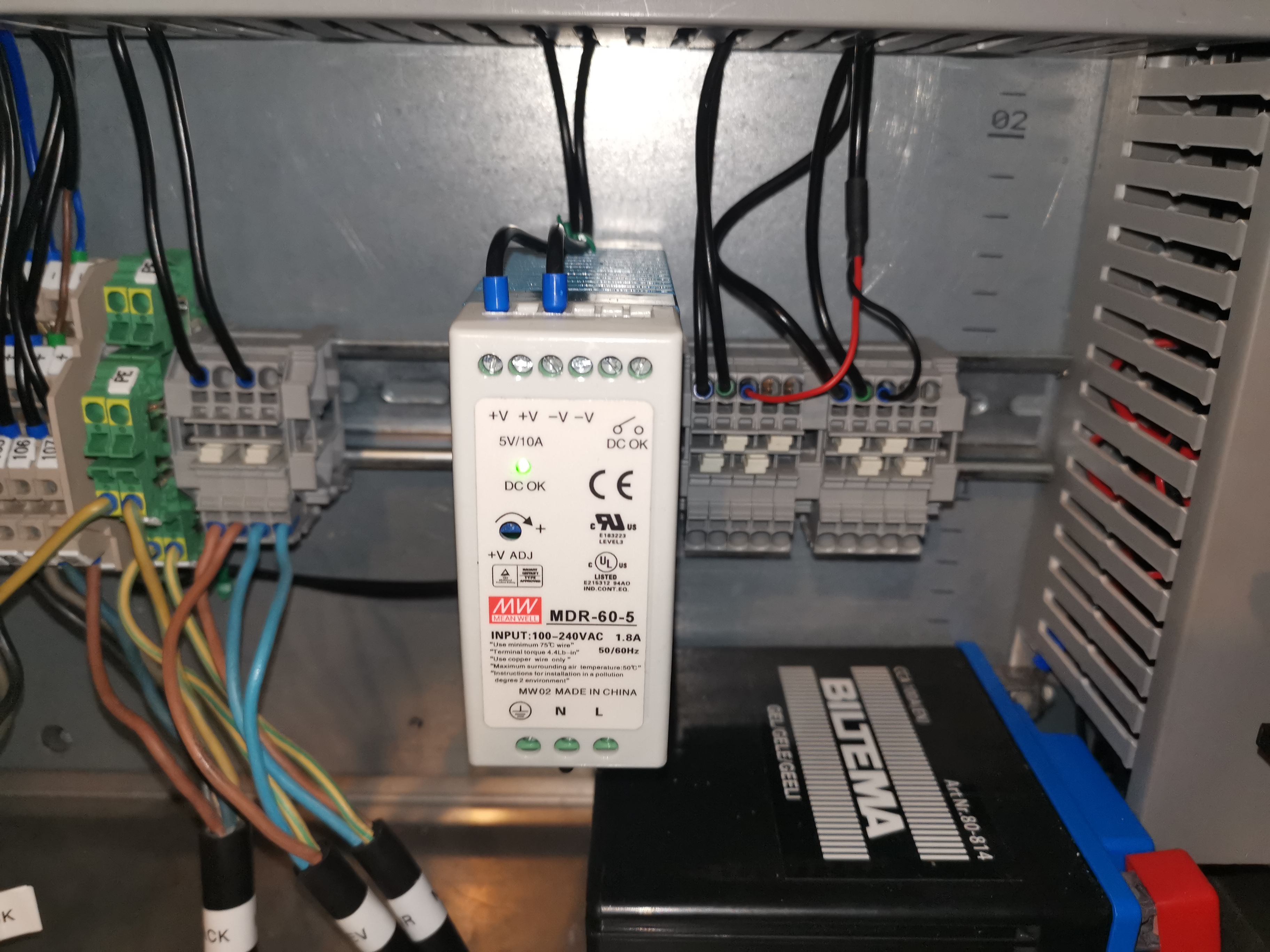
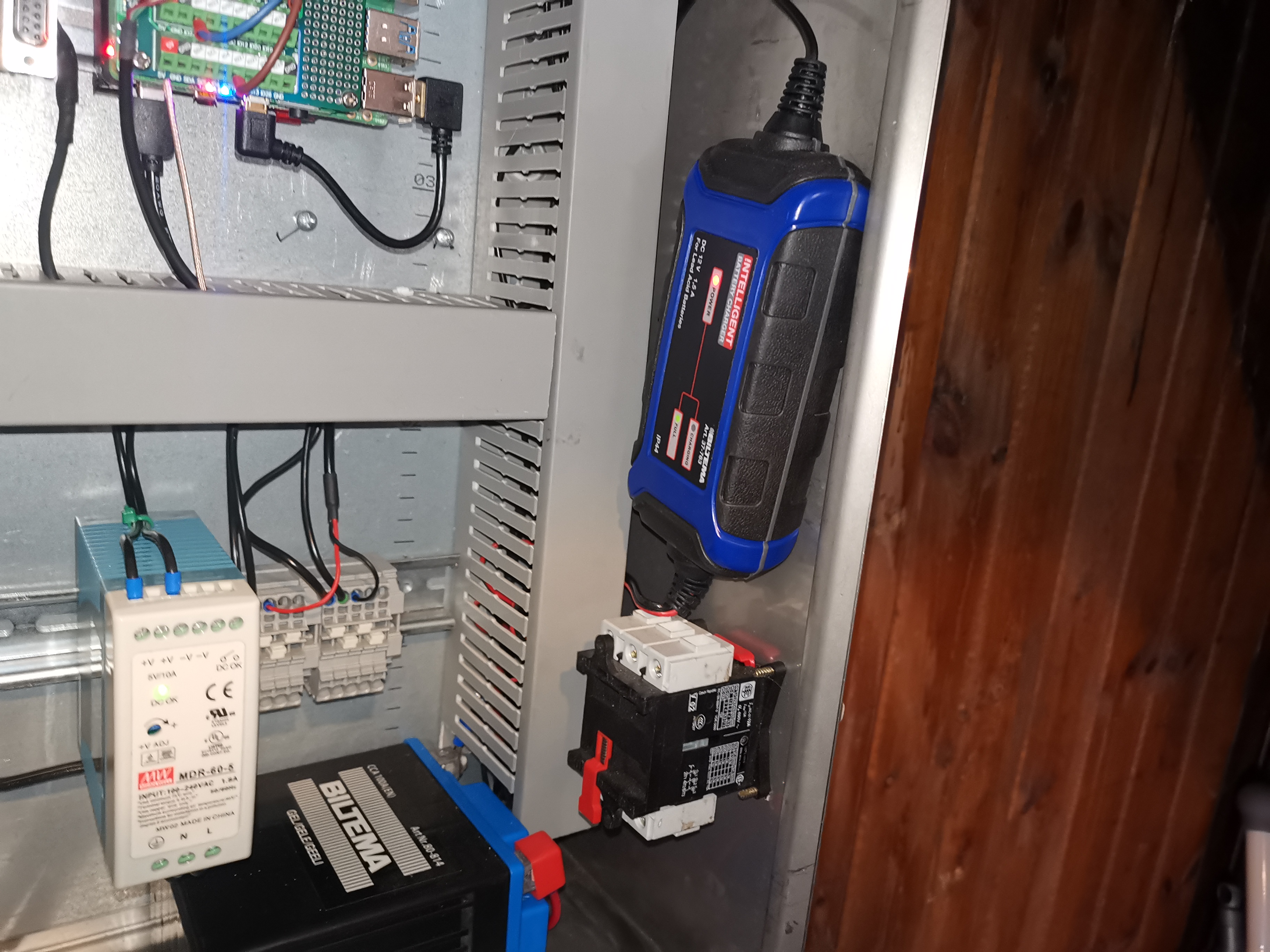
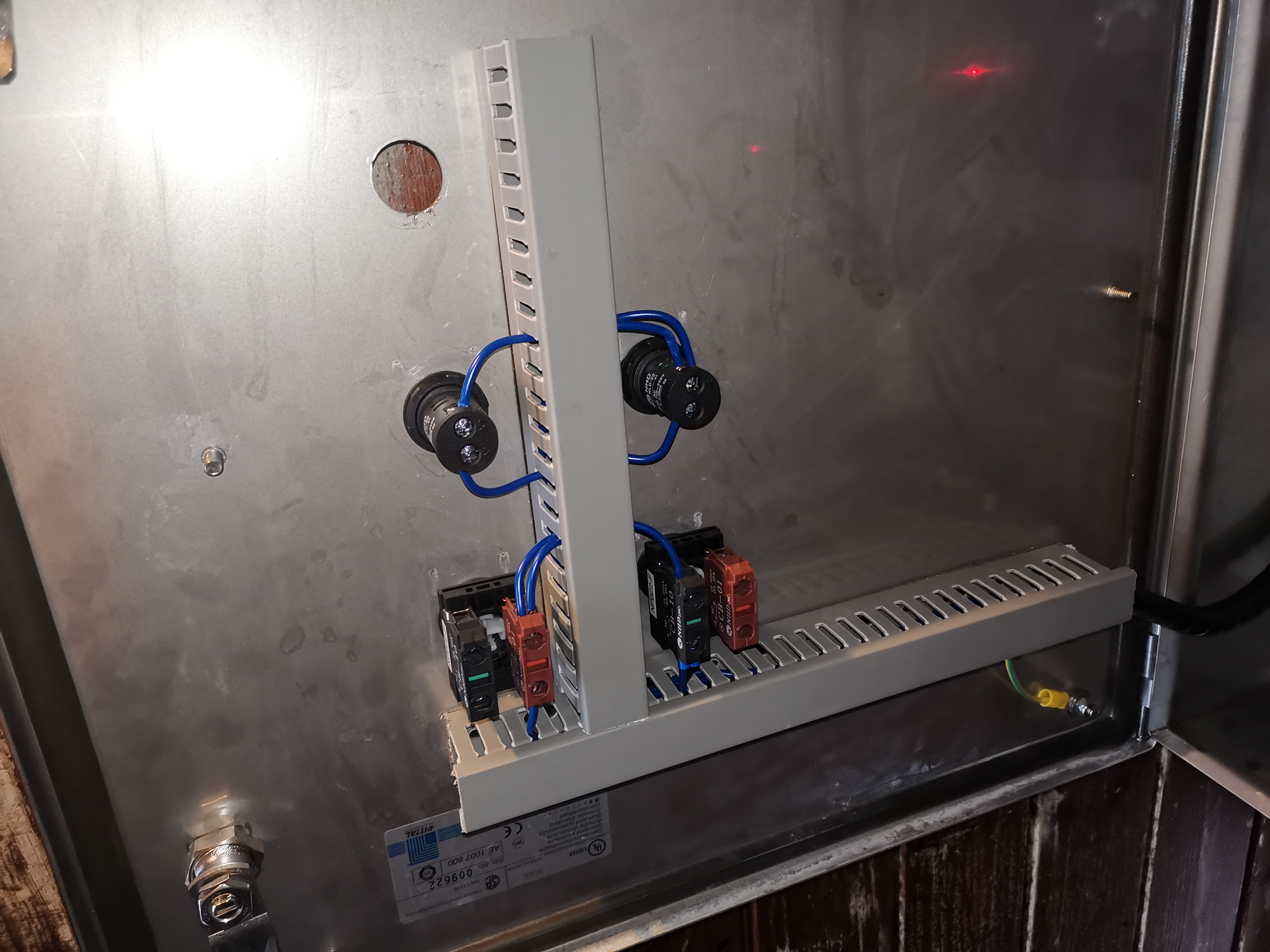
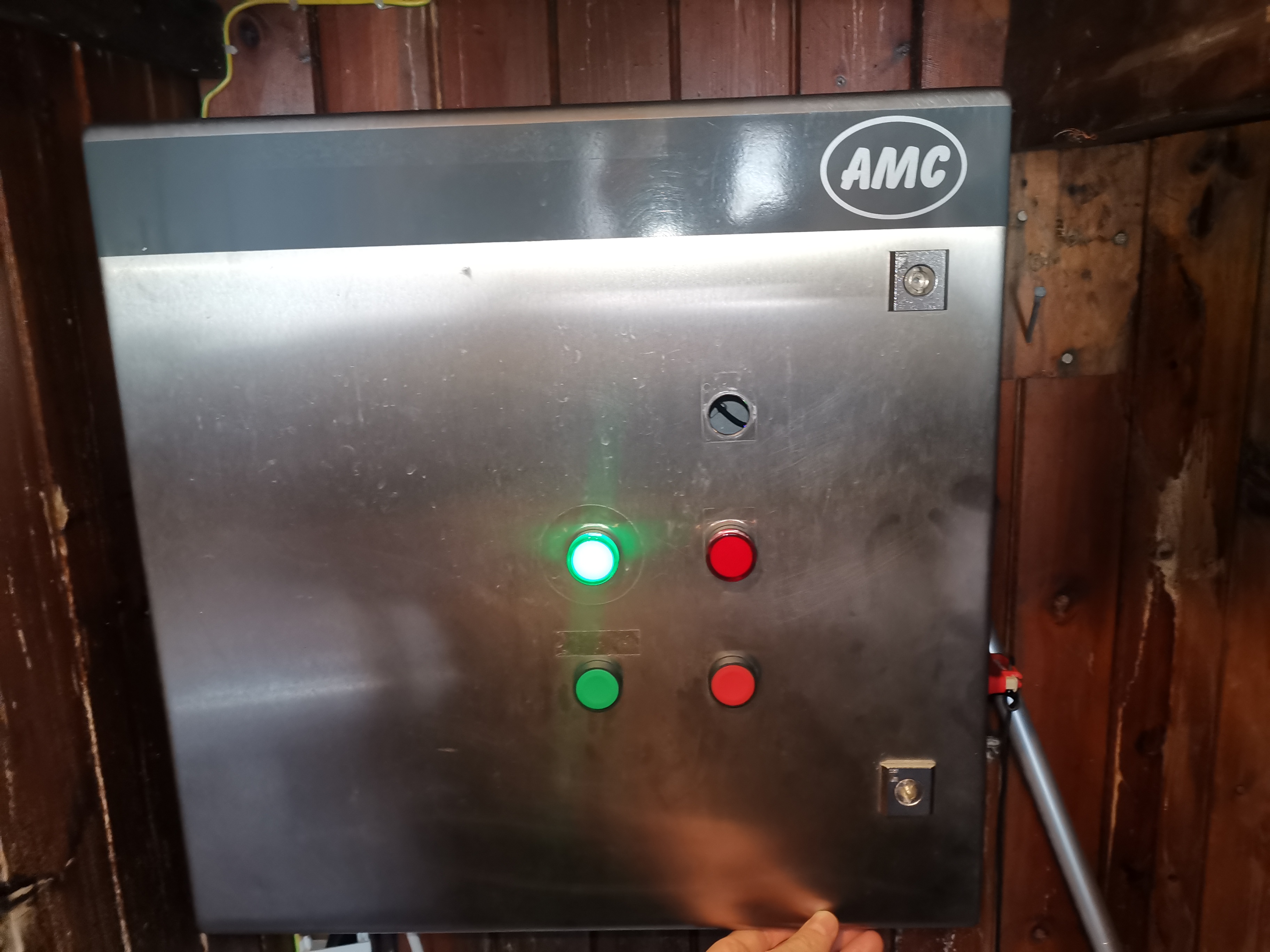
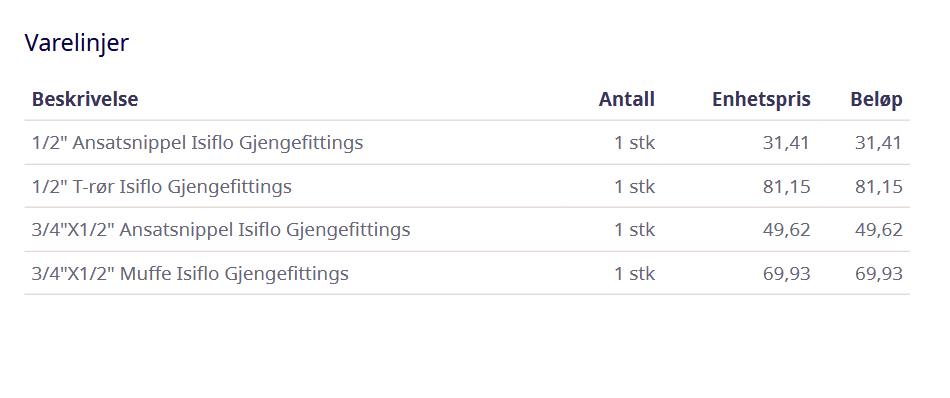
vvs deler kjøpt
CS:GO Dedicated Server GunGame
start.bat
Folder location: C:\csgo (where srcds.exe is located)
srcds -game csgo -console -usercon -nobots +mp_ggprogressive_use_random_weapons 0 +game_type 1 +game_mode 0 +mapgroup mg_armsrace +map ar_shoots +sv_setsteamaccount 1D624378608B80AC43ECC024EB483AB7
Age of Mythology
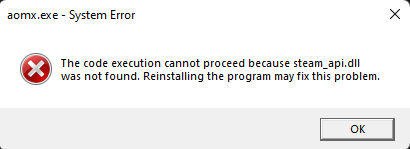
If error with steam_api.dll file missing most likely windows secuirty is deleting the crack files. Disable Virus & threat protection. Unzip the crack files again, copy and paste them into the Age of Mythology. There should be 4 files: aomx.exe, steam_api.dll, steam_api.ini, steamclient.dll.
Right click aomx.exe from the install folder and click run as administrator.
Høiebanden Komputer Utlåns-Klubb
Oversikt over PC'er for utlån.
PC
Oversikt over pcer vi har tilgjengelig.
Gamle Ruben sin -> AGE (Øyvind)
- i5-4690K, Socket-LGA1150
- EVGA GeForce GTX 1060 6GB Gaming
- ASUS H81I-PLUS, Socket-1150
- Cooler Master G650M, 650W PSU
- HyperX Fury DDR3 1866MHz 16GB Black
- SSD
Gamle Anders sin -> Morten
- i5-4670K, Socket-LGA1150
- GTX 970
- MSI B85-G43, Socket-1150
- Kingston DDR3 HyperX blu 1600MHz 8GB (16GB?)
- SSD
Lona sin 'Dell Vostro 460' -> Revenent (Vebjørn)
- i5-2500, Socket-LGA155
- MSI GeForce GTX 960
- 4 GB DDR3-SDRAM 1333 MHz
- SSD Kingston 240GB
- Windows 10
Alternative pc
- 750W PSU
- 1080
- 500GB borrowed from Anders
Vegard sin -> Nik0n (Alf Jonny)
- i5-4670K, Socket-LGA1150
- MSI GeForce GTX 970 4GB OC
- MSI Z87-G43, Socket-LGA1150
- Corsair CX600M, 600W PSU
- 8GB DDR3
- Kingston SSDNow UV400 240GB
- Samsung HD401LJ 400Gb 7200rpm
- Windows 10 Pro
Clank -> Instegma (Trym)
- i3-10105F, Socket-LGA1200
- ASUS ROG STRIX GTX1080 O8G GAMING
- Gigabyte H510M S2H, Socket-LGA1200
- Kolink Classic Power Supply 600W
- G.Skill AEGIS DDR4 3000MHz C16 16GB
- SSD Kingston A2000 500GB NVMe M.2 SSD
Vebby PC
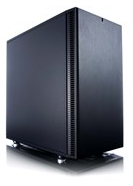
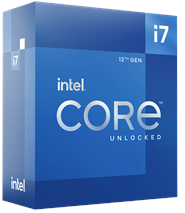
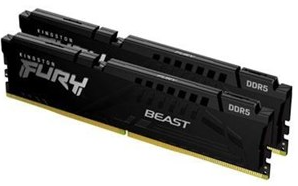
Overview of parts for Vebby PC
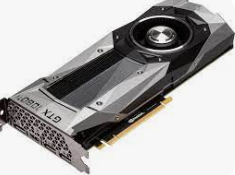
Parts
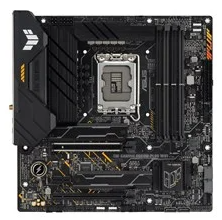
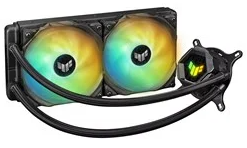
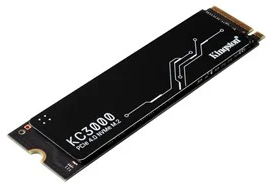
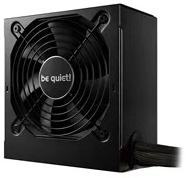
CS Dedicated Server
RCON Commands
Change to another map, run the following command from the console within CS.
rcon changelevel de_dust2 If you want persistent connection to RCON, add this to your startup properties in the game
rcon_password gogogo
SOKVASS Album 2
Bilder tatt 9.11.24